ByteMint Guide

Performance Review with Copilot.
Turn a year of emails, chats, meetings and files into wins you can prove.
What you need: Microsoft 365 Copilot on your work account.
1
Step
Open Copilot Chat
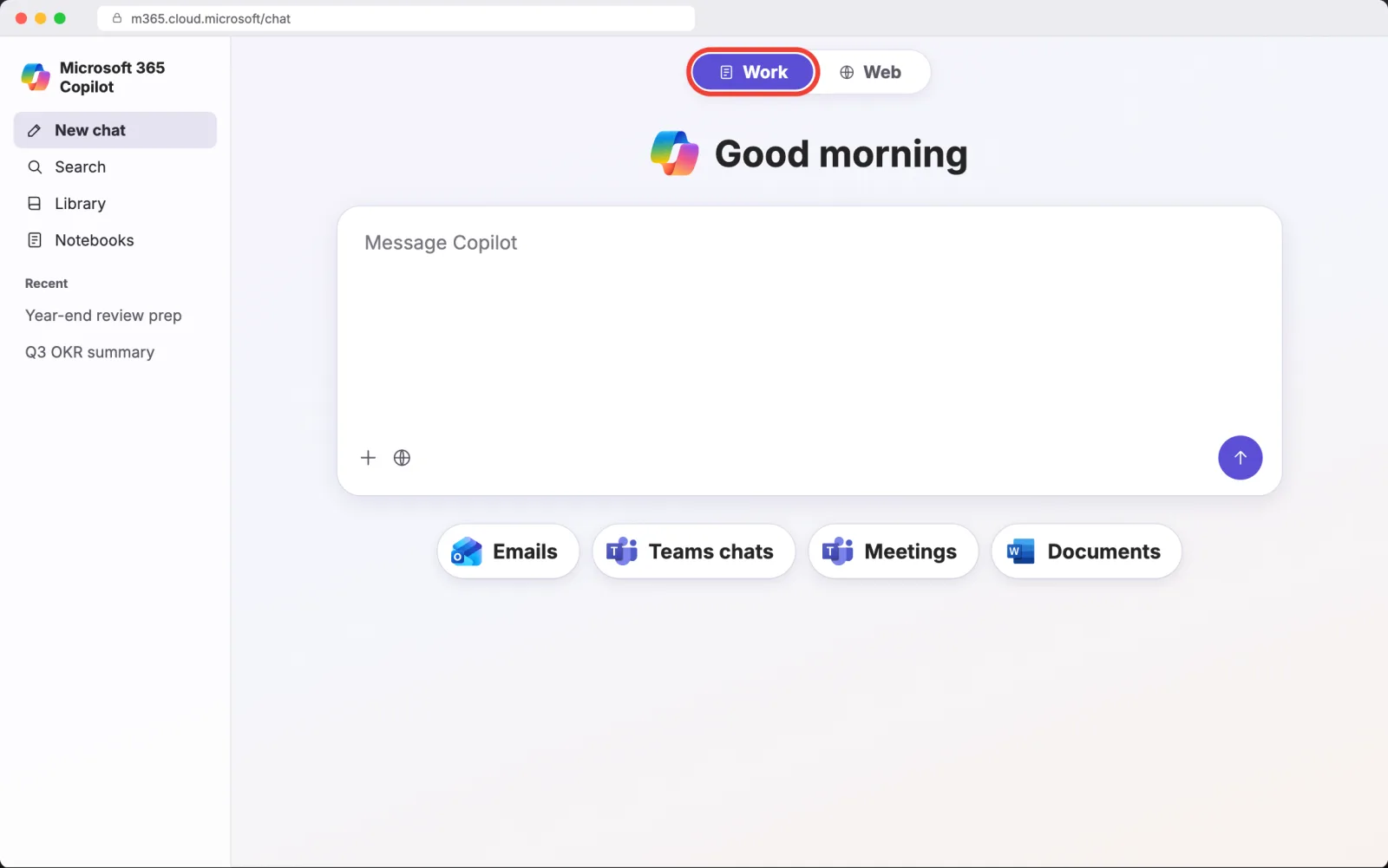
Go to m365.cloud.microsoft/chat and switch to Work, so Copilot can read your emails, chats, meetings and files.
2
Step
Pull Your Year
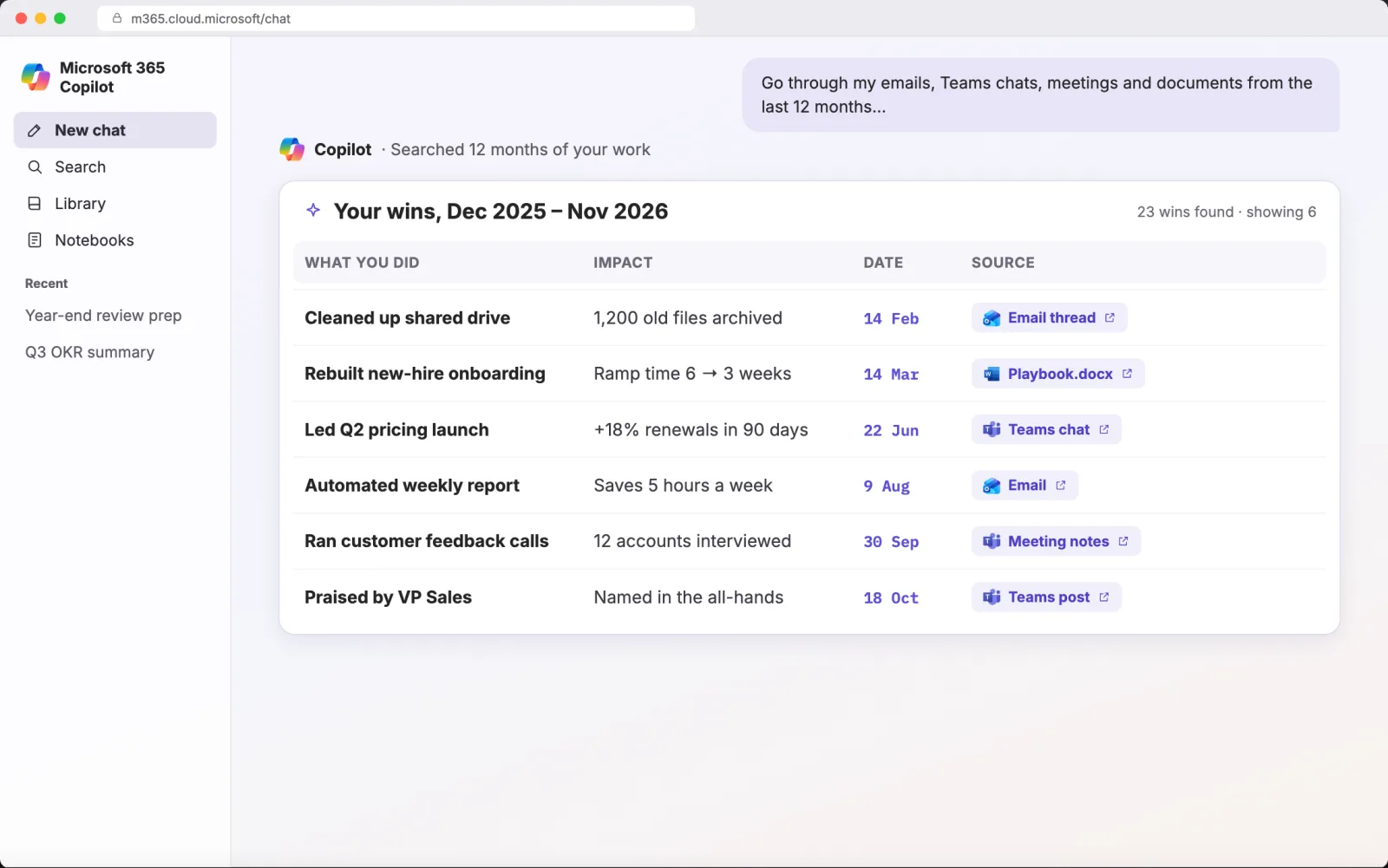
Run Prompt 1.
Prompt 1 · Pull your year
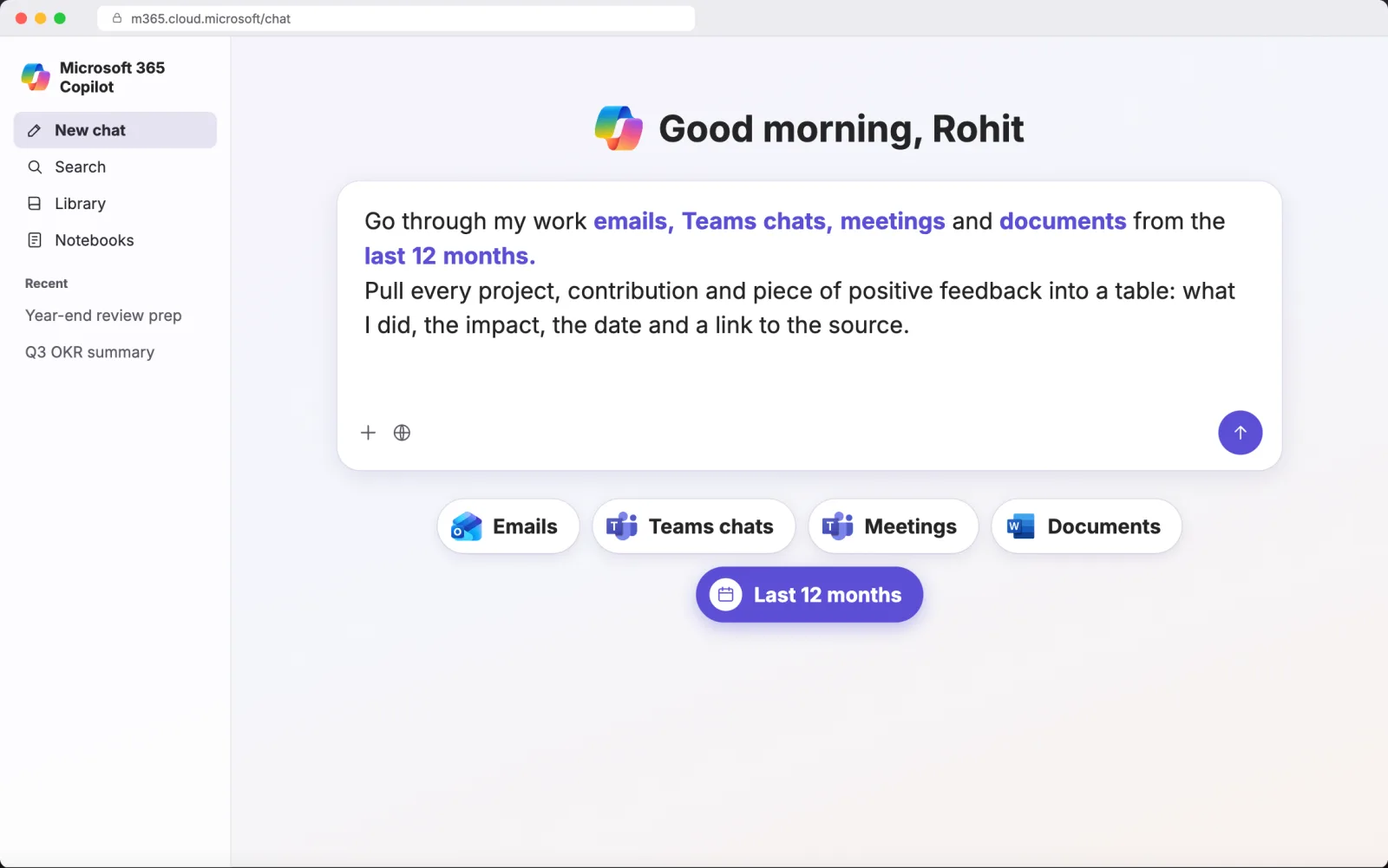
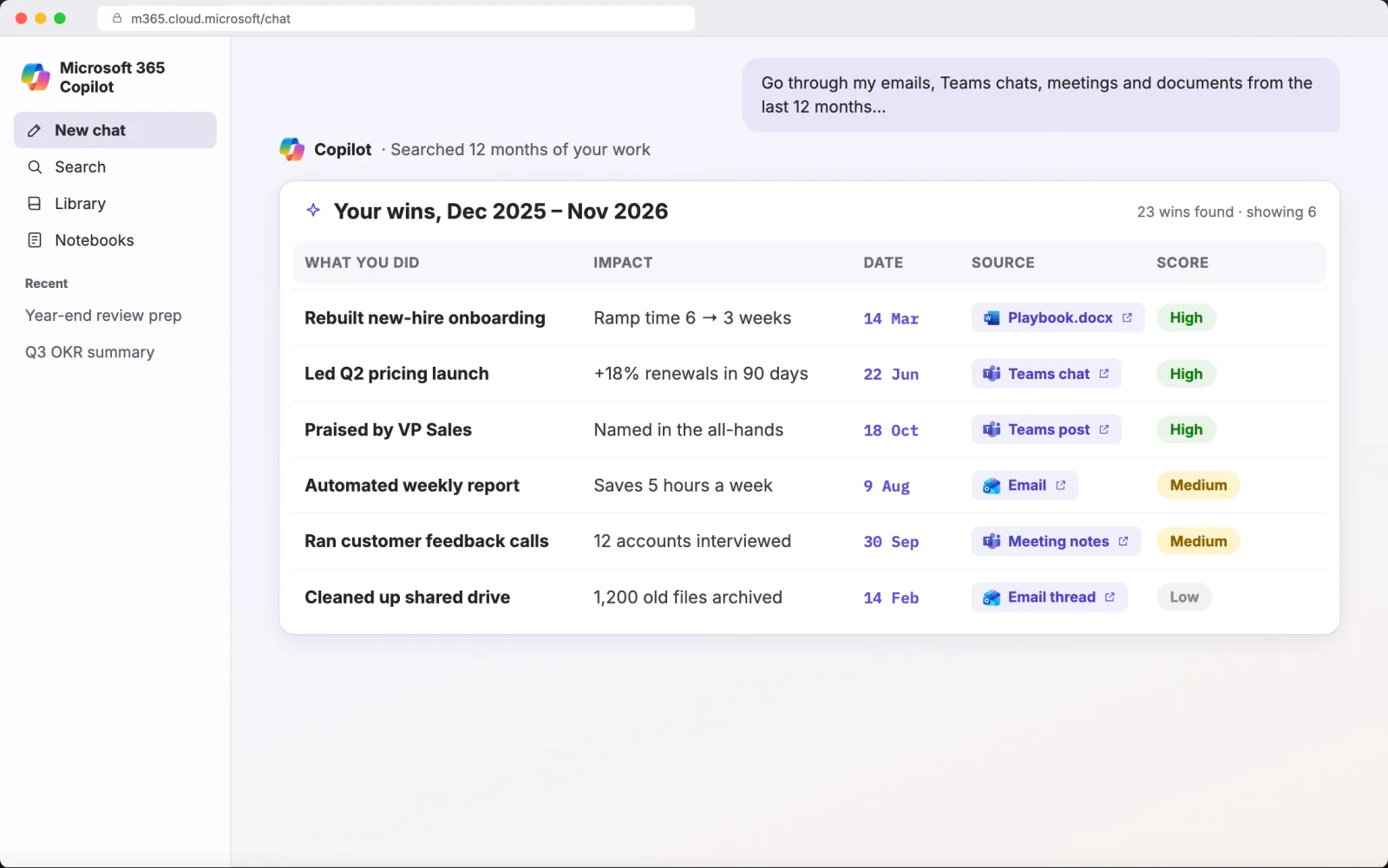
Go through my work emails, Teams chats, meetings and documents from the last 12 months. Pull every project, contribution and piece of positive feedback you can find into a table: what I did, the impact, the date and a link to the source. If you can't find a source, leave the link blank.
3
Step
Score Your Wins
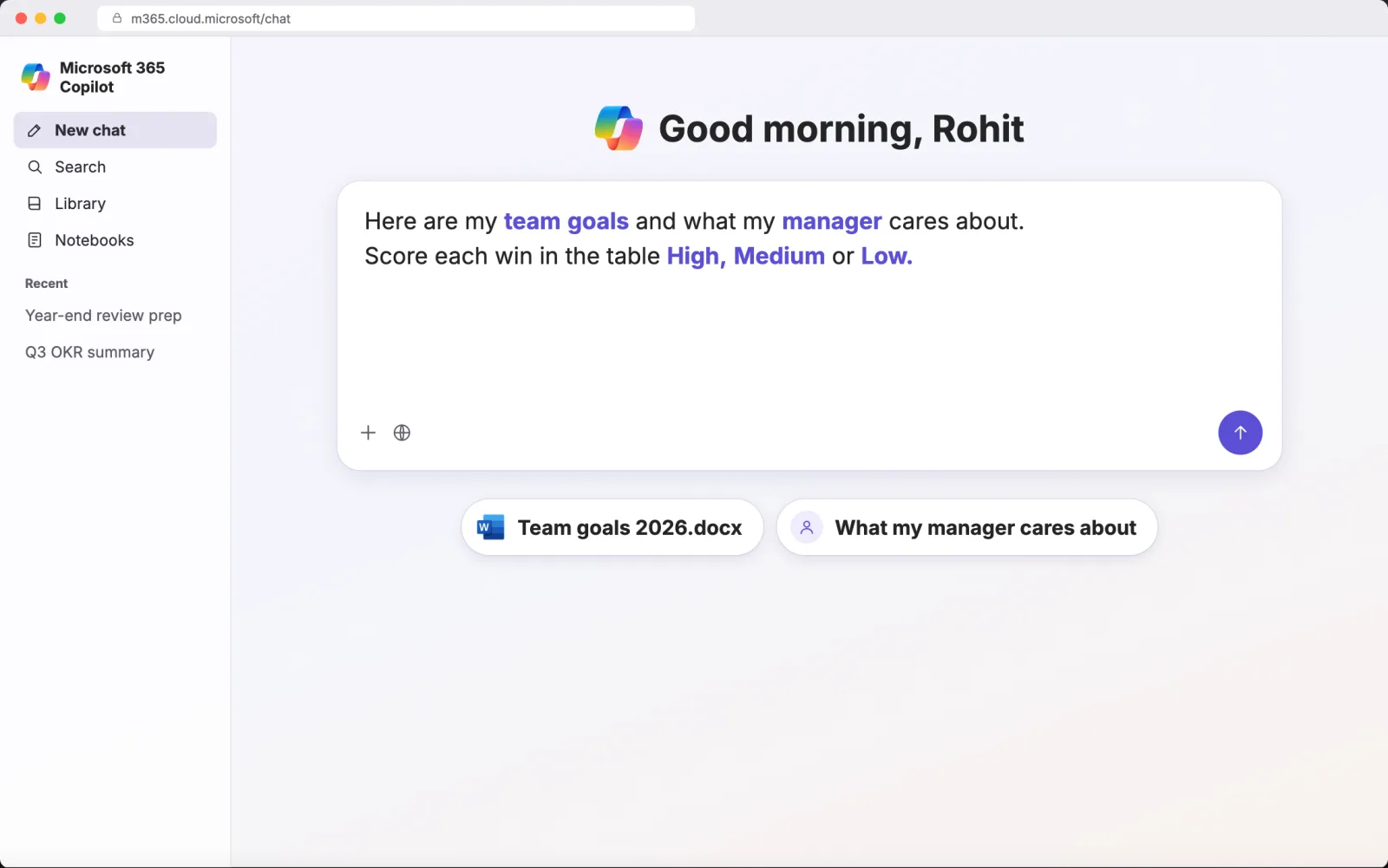
Run Prompt 2. Paste or attach your team goals and what your manager cares about.
Prompt 2 · Score your wins
Here are my team goals and what my manager cares about. Score each win in the table High, Medium or Low.

Team goals: [paste or attach your team goals]
What my manager cares about: [paste their priorities]
4
Step
Write the Stories
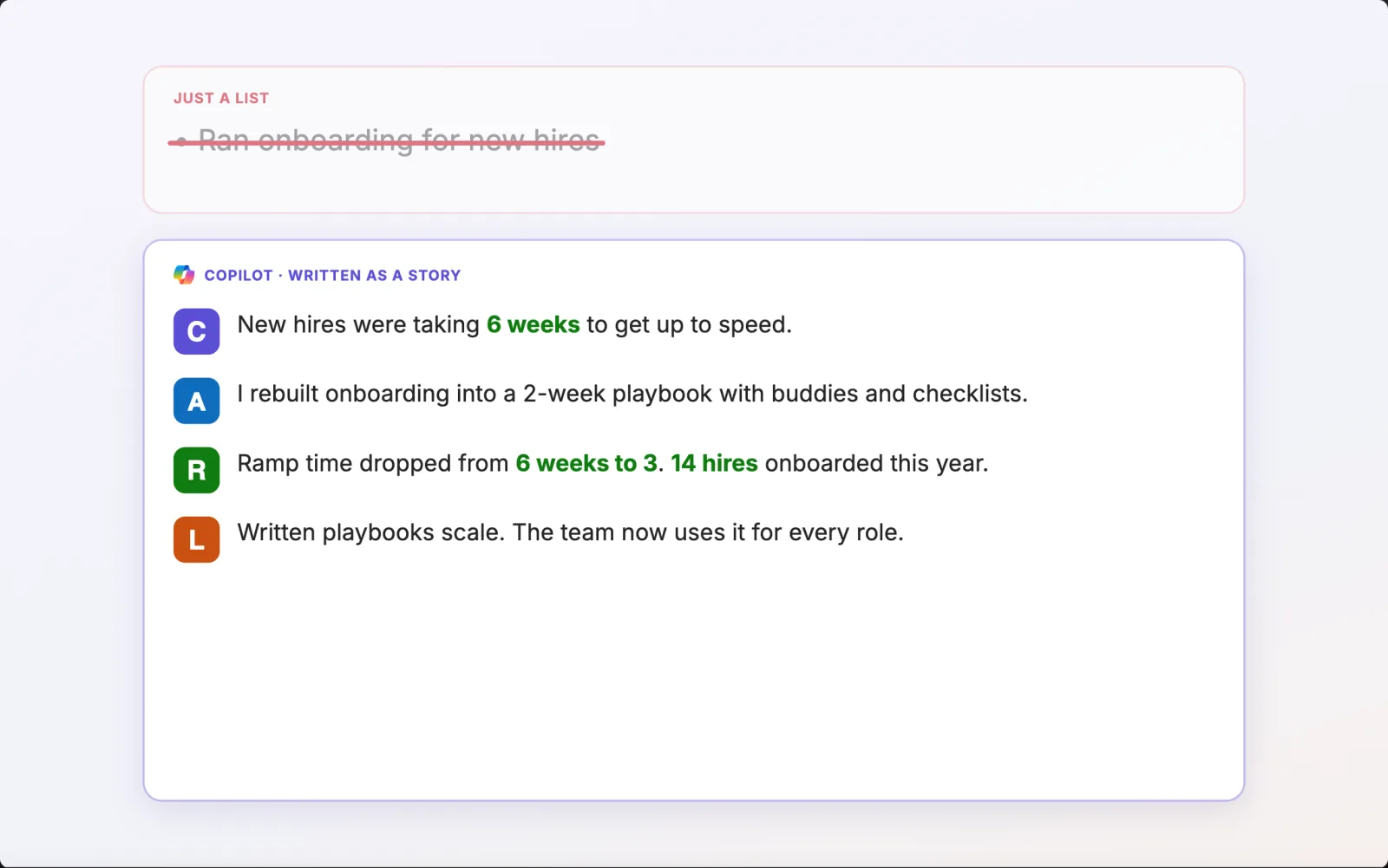
Run Prompt 3. Each win becomes a short story with real numbers.
Prompt 3 · Write the stories
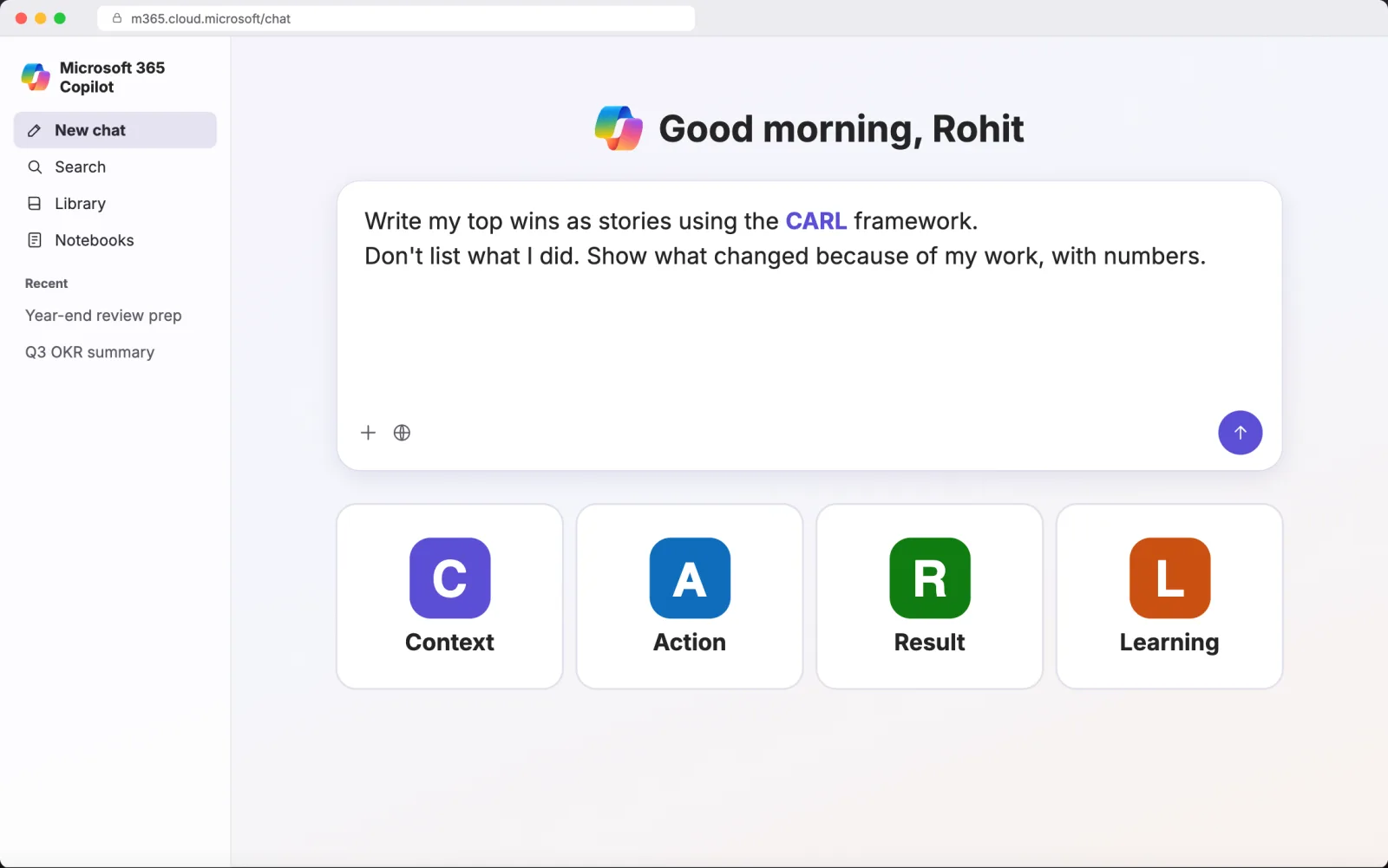
Write my top wins as stories using the CARL framework (Context, Action, Result, Learning). Don't list what I did. Show what changed because of my work, with numbers. Only use numbers from my emails, chats, meetings and documents. If a number is missing, write [number?] so I can fill it in.
5
Step
Make the Doc and Slide
Run Prompt 4. Change the yellow year first. You get a Word doc and a PowerPoint slide. If your Copilot can't create files yet, it gives you the text to paste into Word and PowerPoint.
Prompt 4 · Make the doc and slide
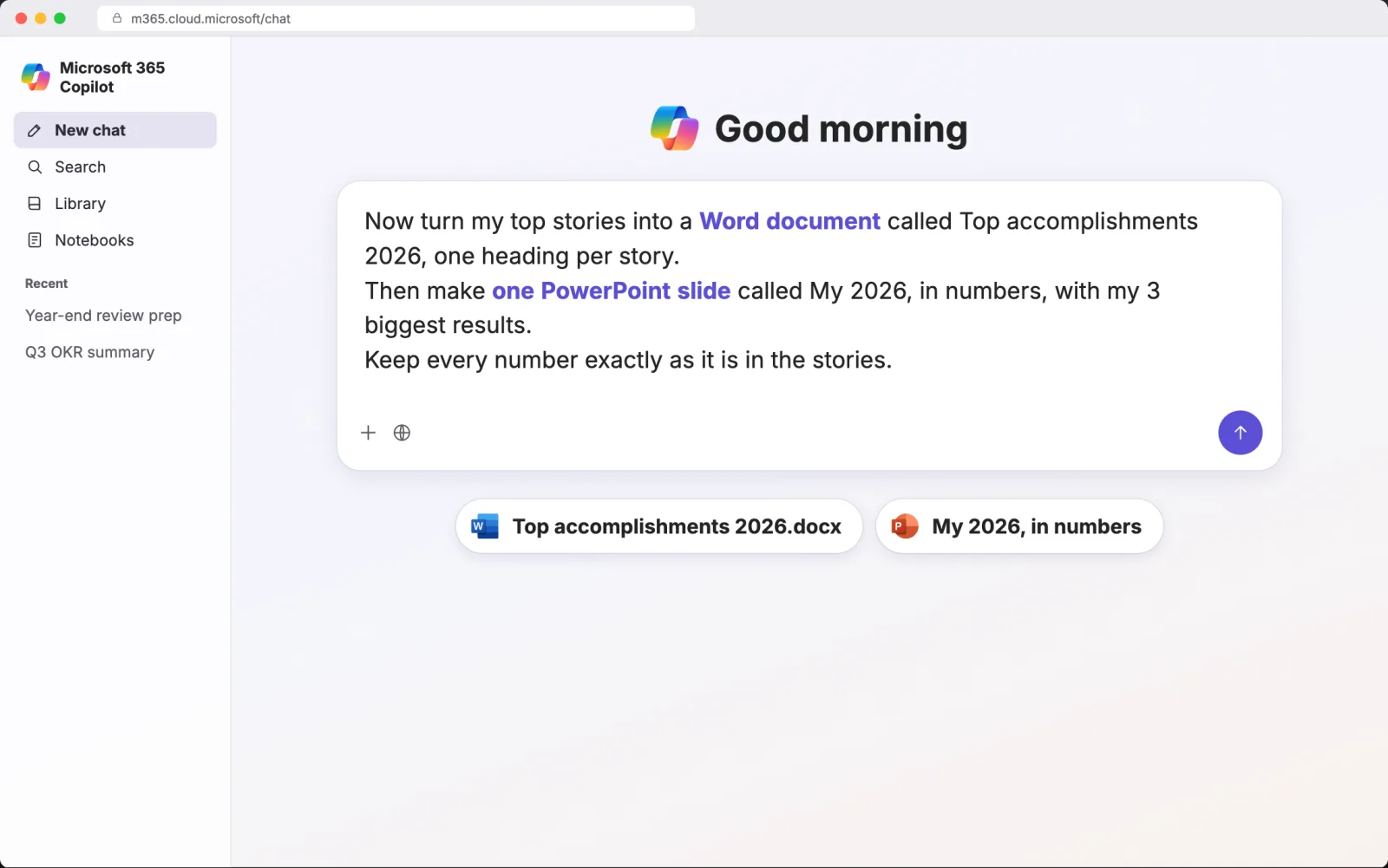
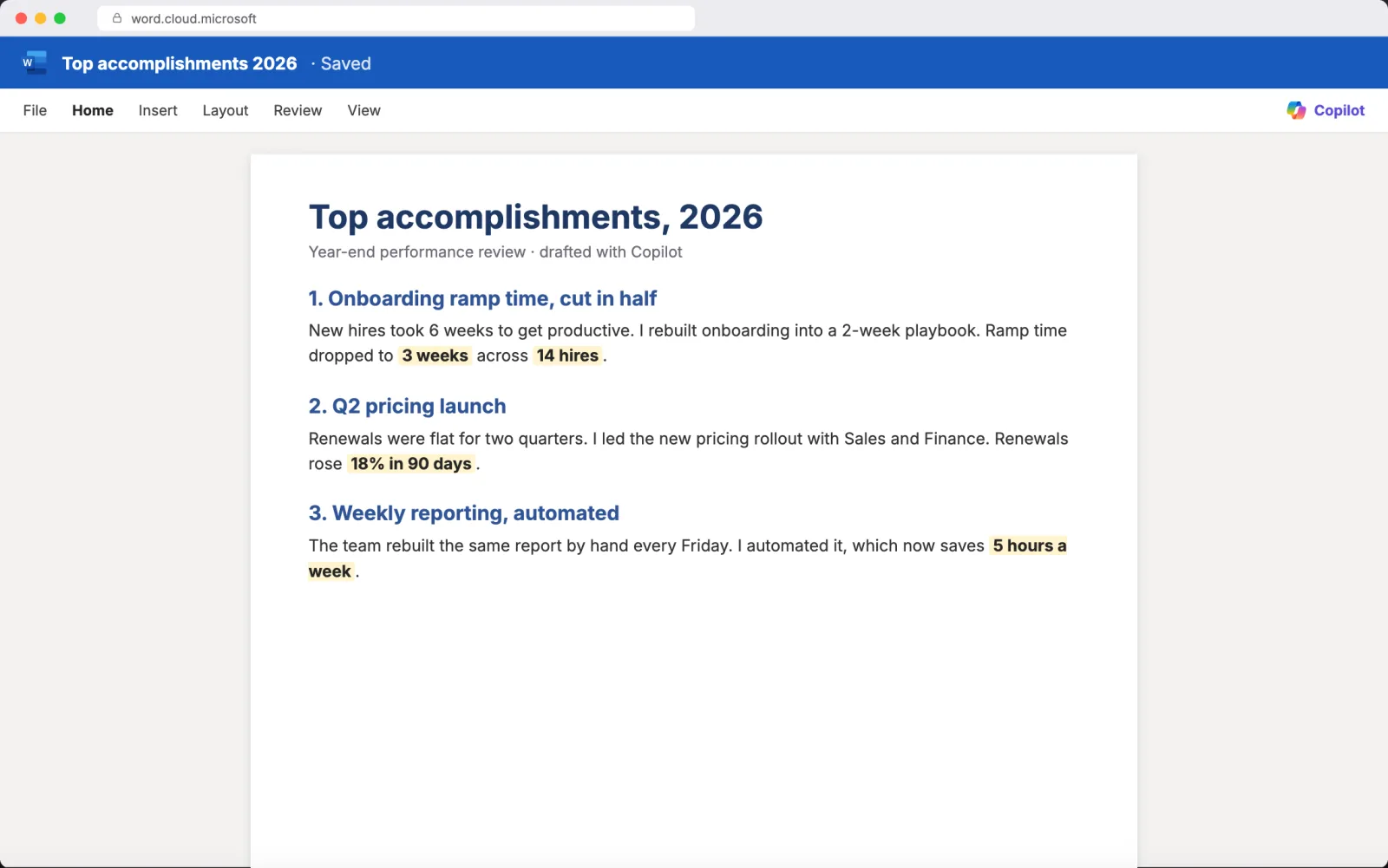
Now turn my top stories into a Word document called Top accomplishments 2026, one heading per story.

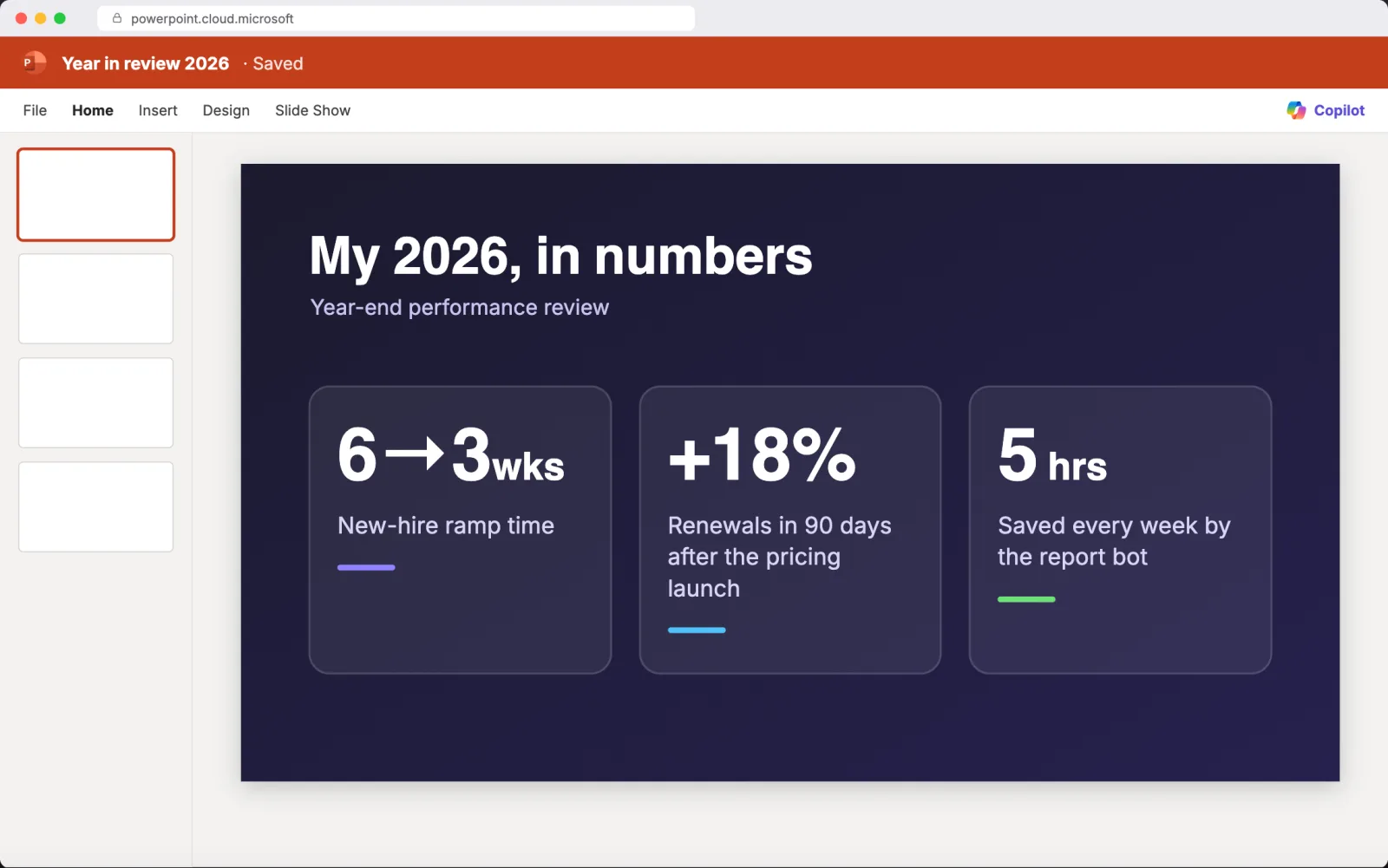
Then make one PowerPoint slide called My 2026, in numbers, with my 3 biggest results.

Keep every number exactly as it is in the stories.
6
Step
Take It to Your Review
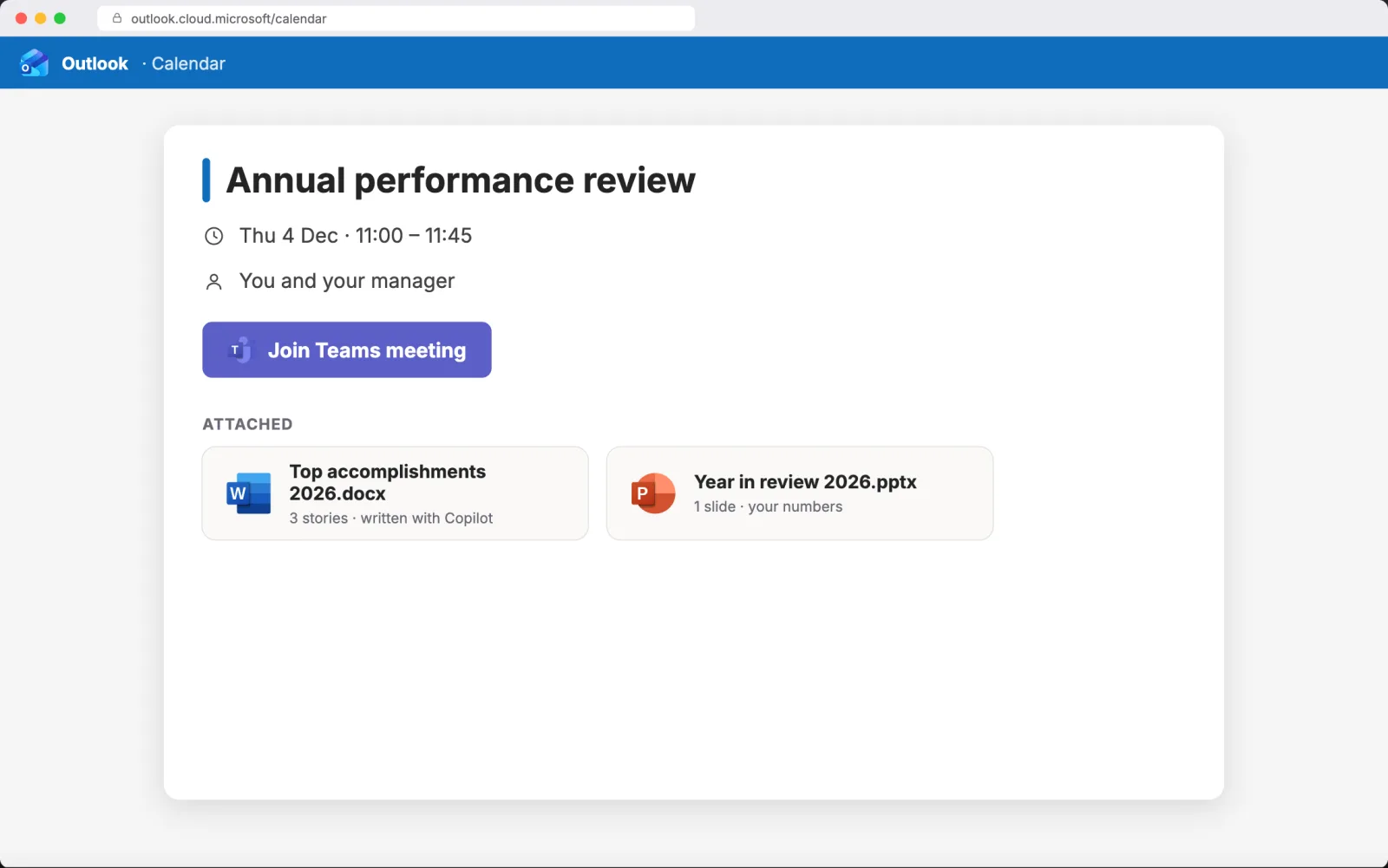
Attach both files to the review invite, or email them to your manager before the meeting.
Check before you send
- AI still makes things up. Open each source link, check every number and fill in any [number?] gaps before your review.
- Most people only remember the last 2 months. You walk in with a whole year of receipts.
Copilot Master Guide
Prompts, agents + live dashboards in Copilot
Buy →

Join ByteMint's Inner Circle
WhatsApp Community
Join →
For teams
AI automation and hands-on workshops for your team.