


Plan Your Whole Day with Copilot's Planner Agent.
Copilot reads your meetings, emails, Teams chats and tasks, builds a 9-to-5 to-do list, and saves it straight into Microsoft Planner.
What you need: a Microsoft 365 Copilot licence, with Planner Agent available in your tenant's Agents list.
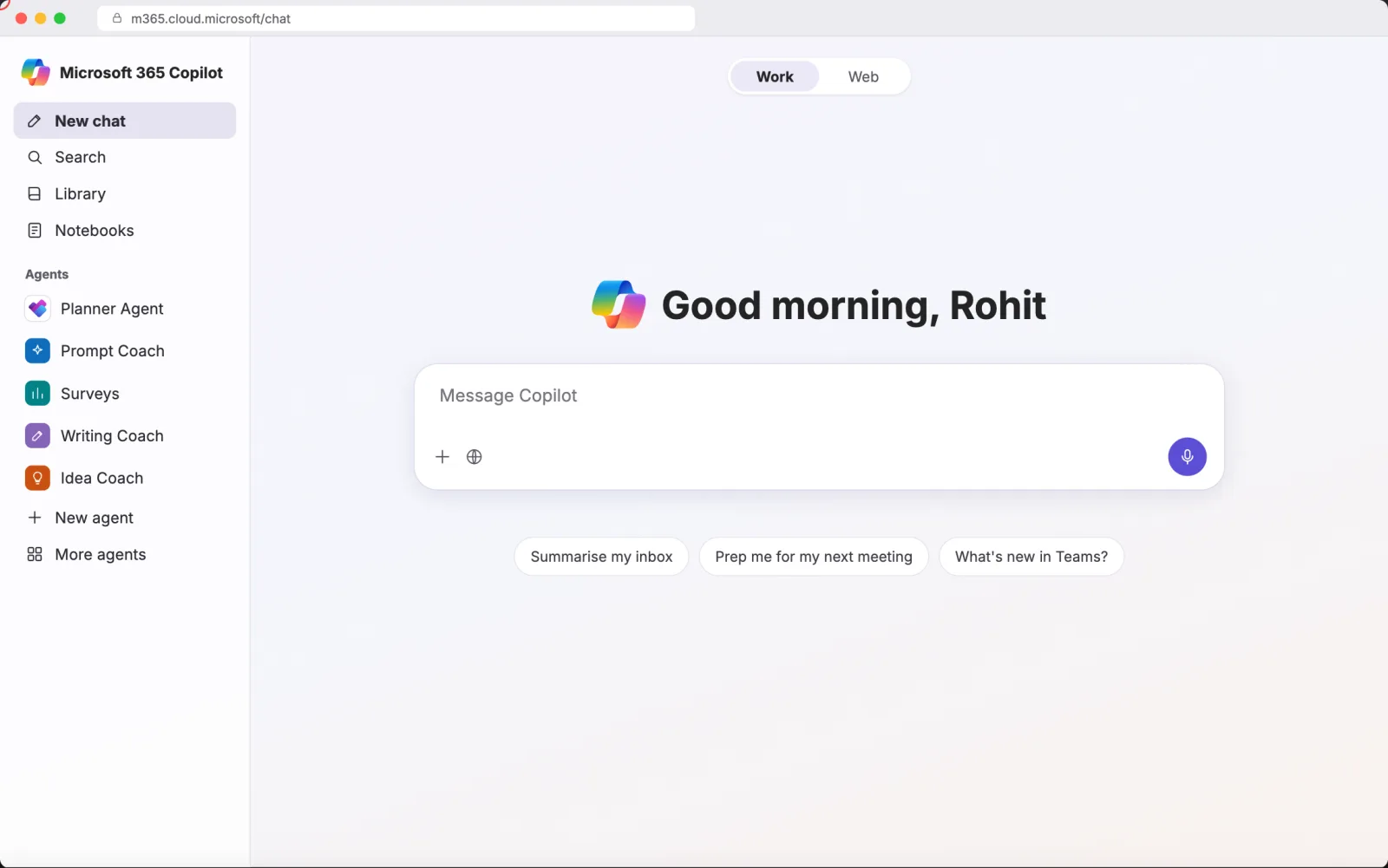
Open Microsoft 365 Copilot
Go to m365.cloud.microsoft and open Microsoft 365 Copilot.
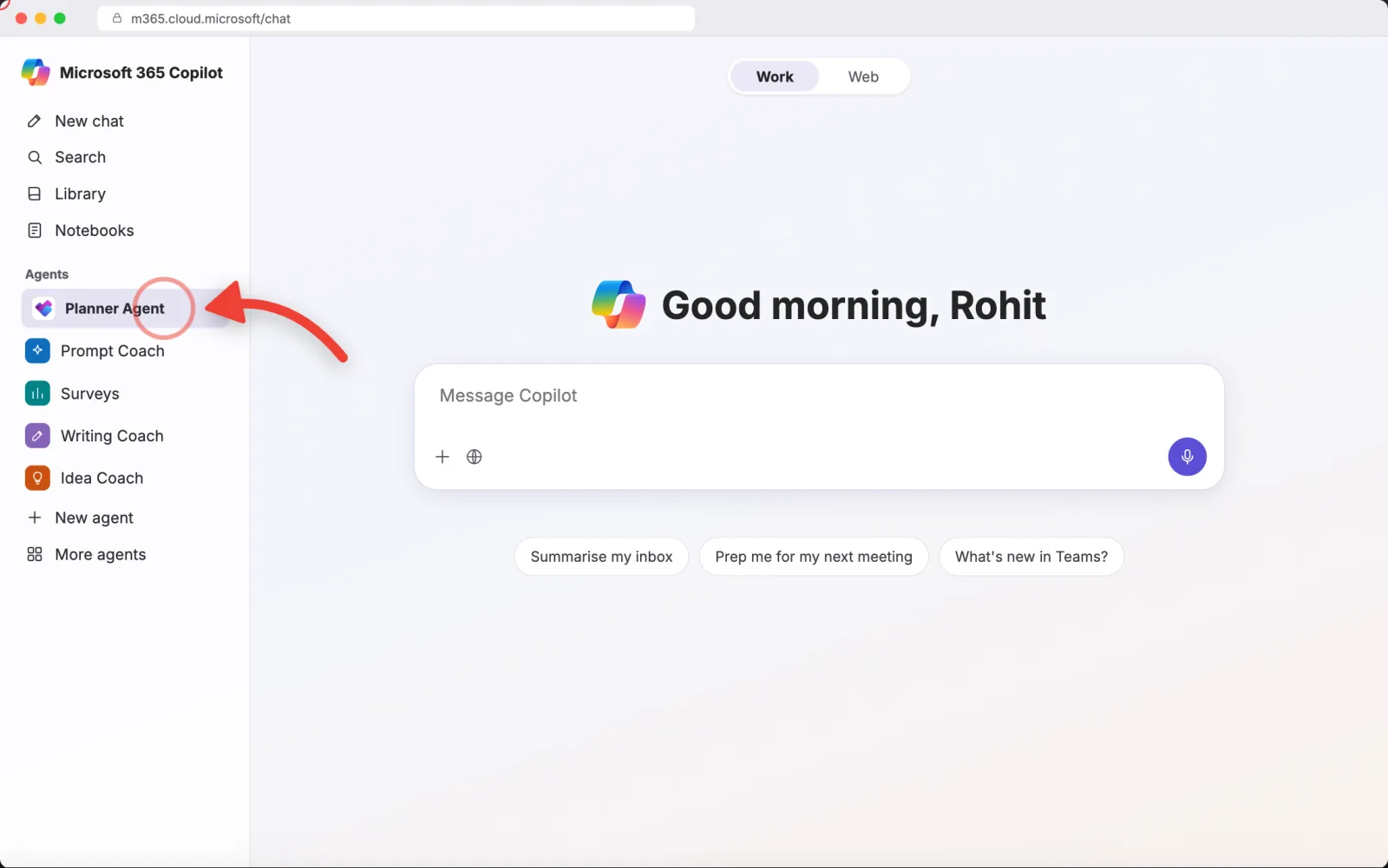
Click Planner Agent
In the left panel, under Agents, click Planner Agent.
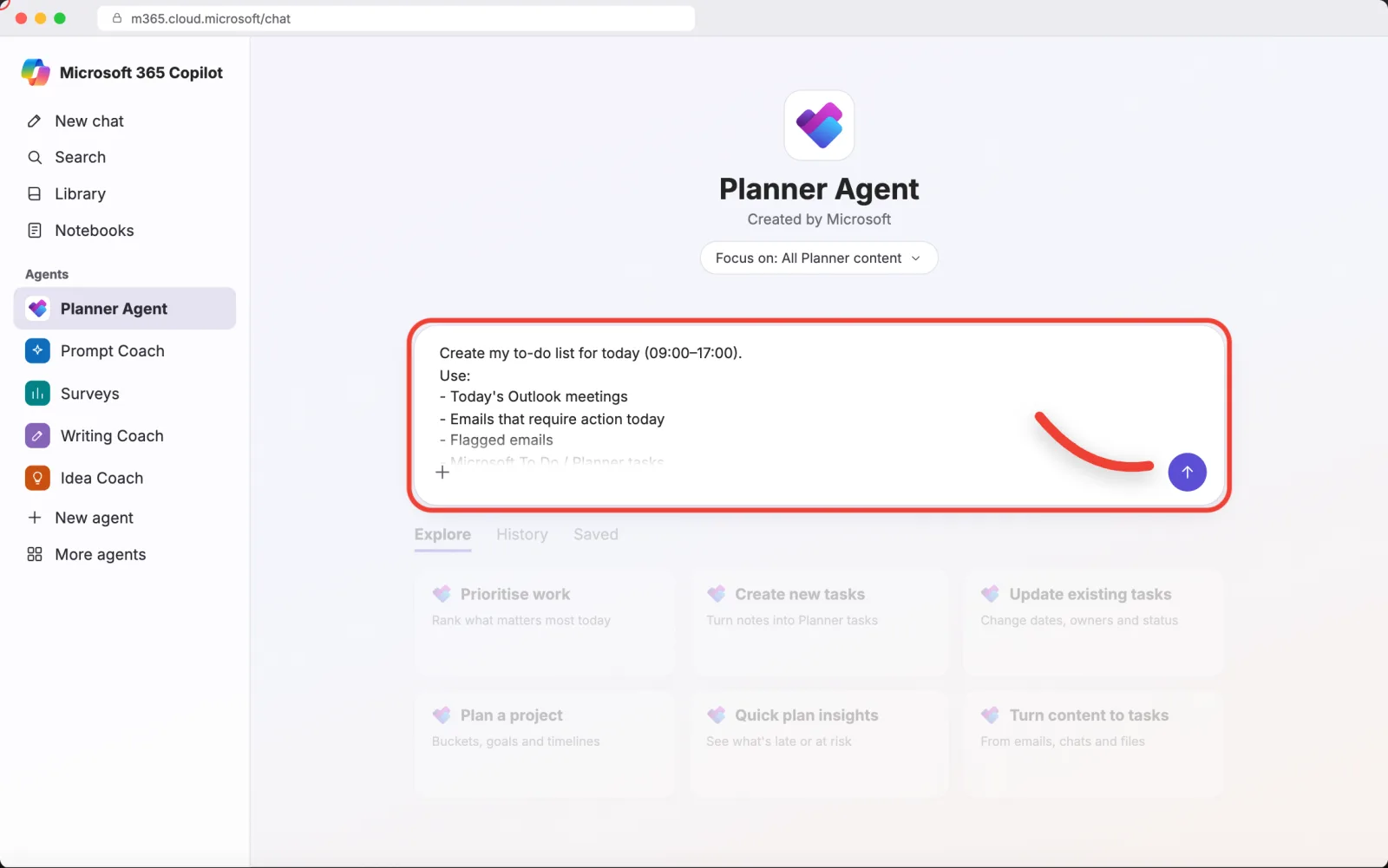
Paste The Prompt And Send
Paste in the prompt below and send it. Change the yellow working hours to match your own day first.
Create my to-do list for today (09:00–17:00).

Use:
- Today's Outlook meetings
- Emails that require action today
- Flagged emails
- Microsoft To Do / Planner tasks
- Teams messages with action items

OUTPUT ONLY A TO-DO LIST:
Group tasks under clear headings:
1) Must do today
2) Prep for meetings
3) Emails to send/reply
4) Nice to have (if time allows)

For each task, include:
- Clear next action (verb-first)
- Related meeting/email (if applicable)
- A time slot and a priority

Rules:
- Focus only on what realistically fits between 09:00 and 17:00
- Exclude anything that does not require action today
- If there is too much, prioritise and drop the rest
- No explanations, no summaries, no planning text

Add all tasks to Planner.
Copilot Reads Your Day
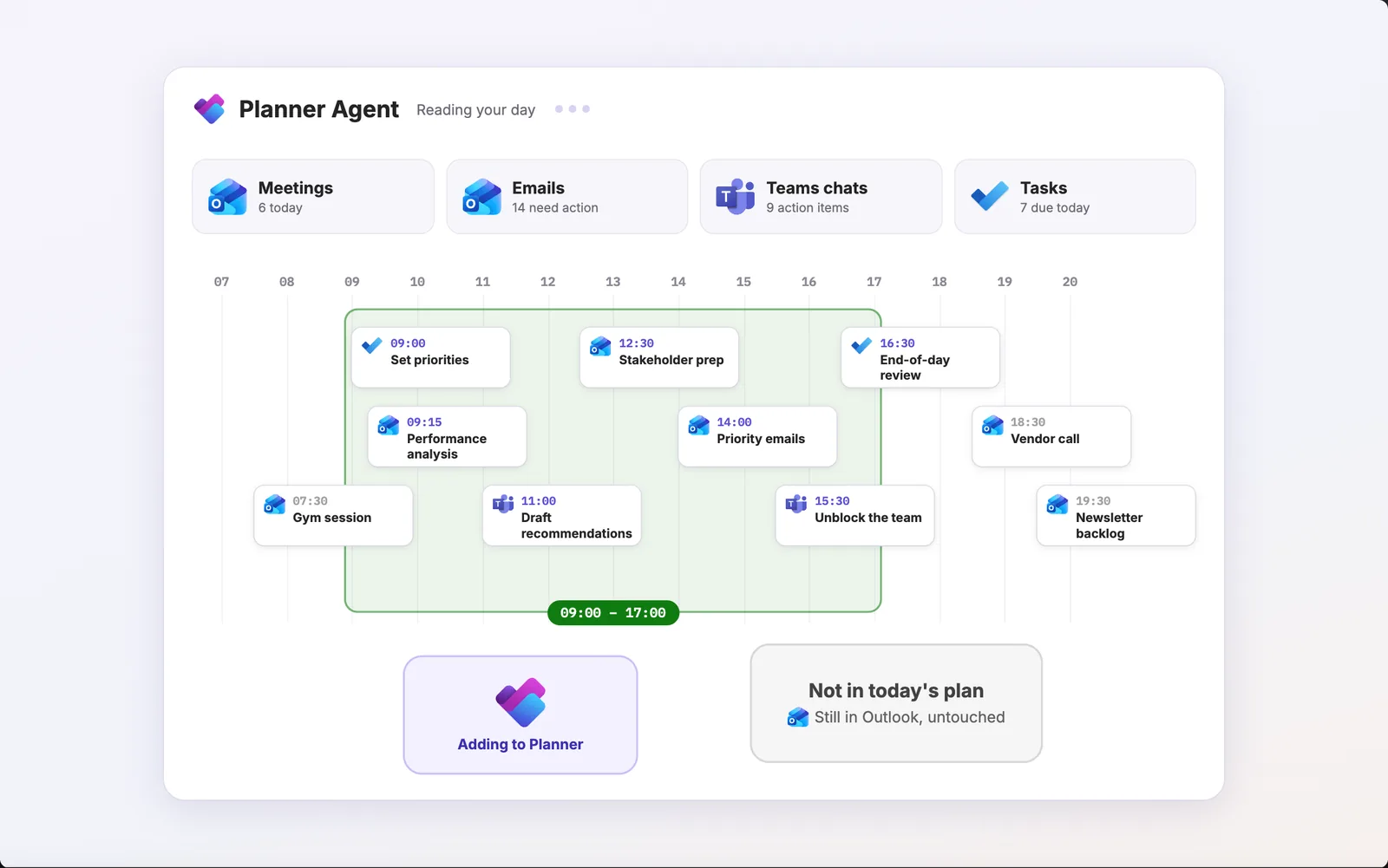
Copilot goes through your meetings, emails, Teams chats and tasks, keeps what fits between 9 and 5, and drops what can wait.
It Builds Your Focus Day Plan
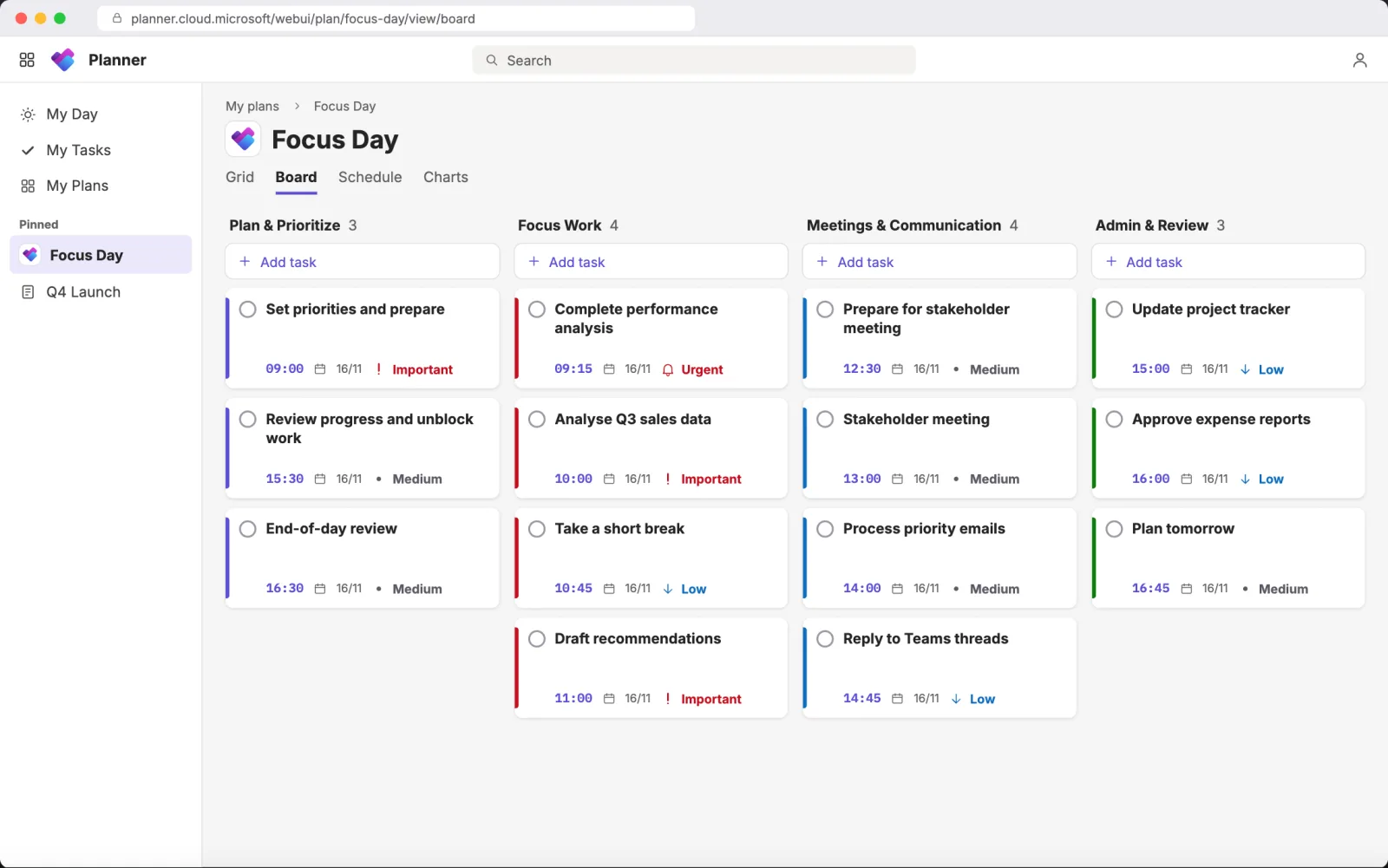
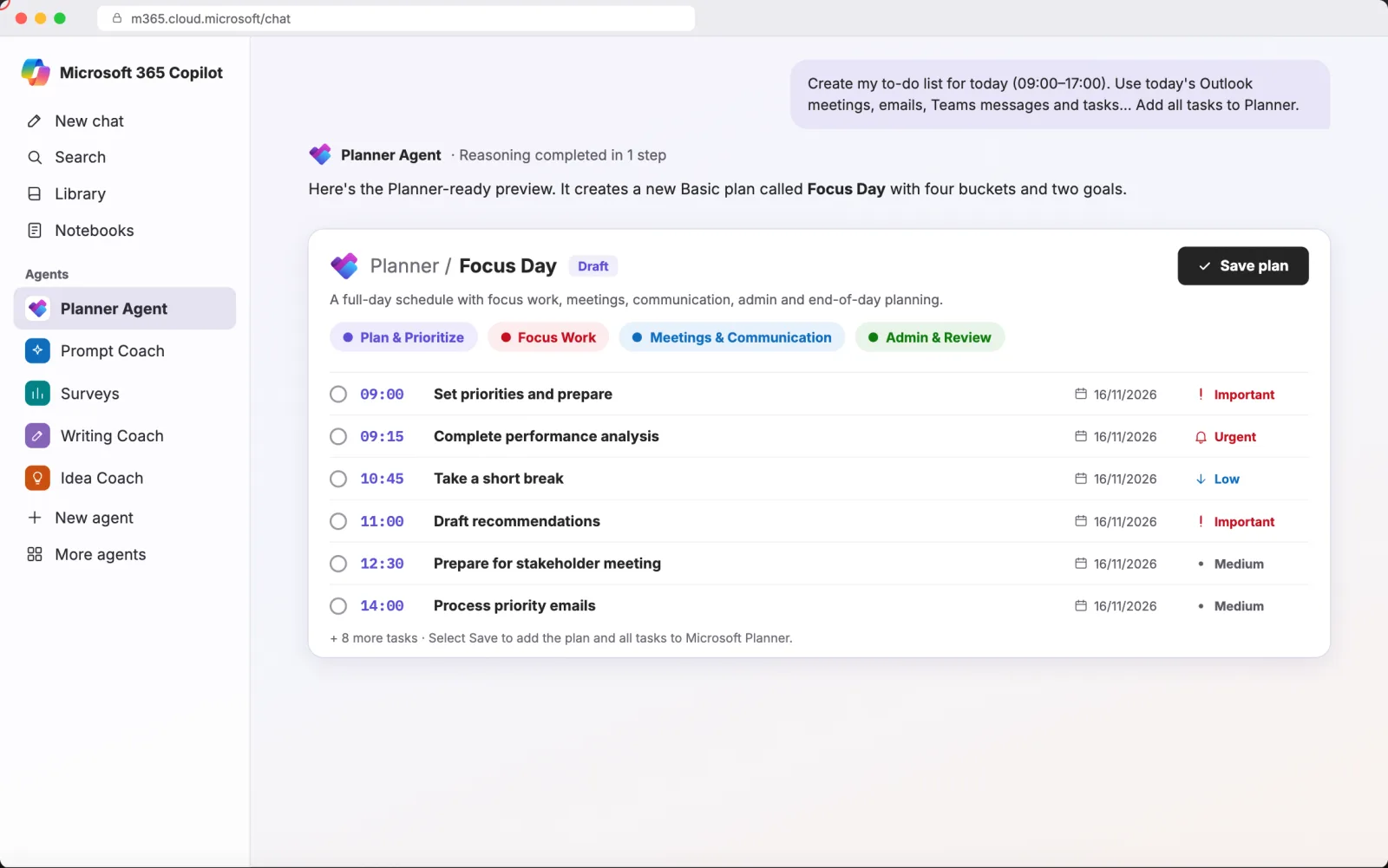
It builds a plan called Focus Day with 4 buckets. Every task gets a time slot and a priority.
Click Save Plan
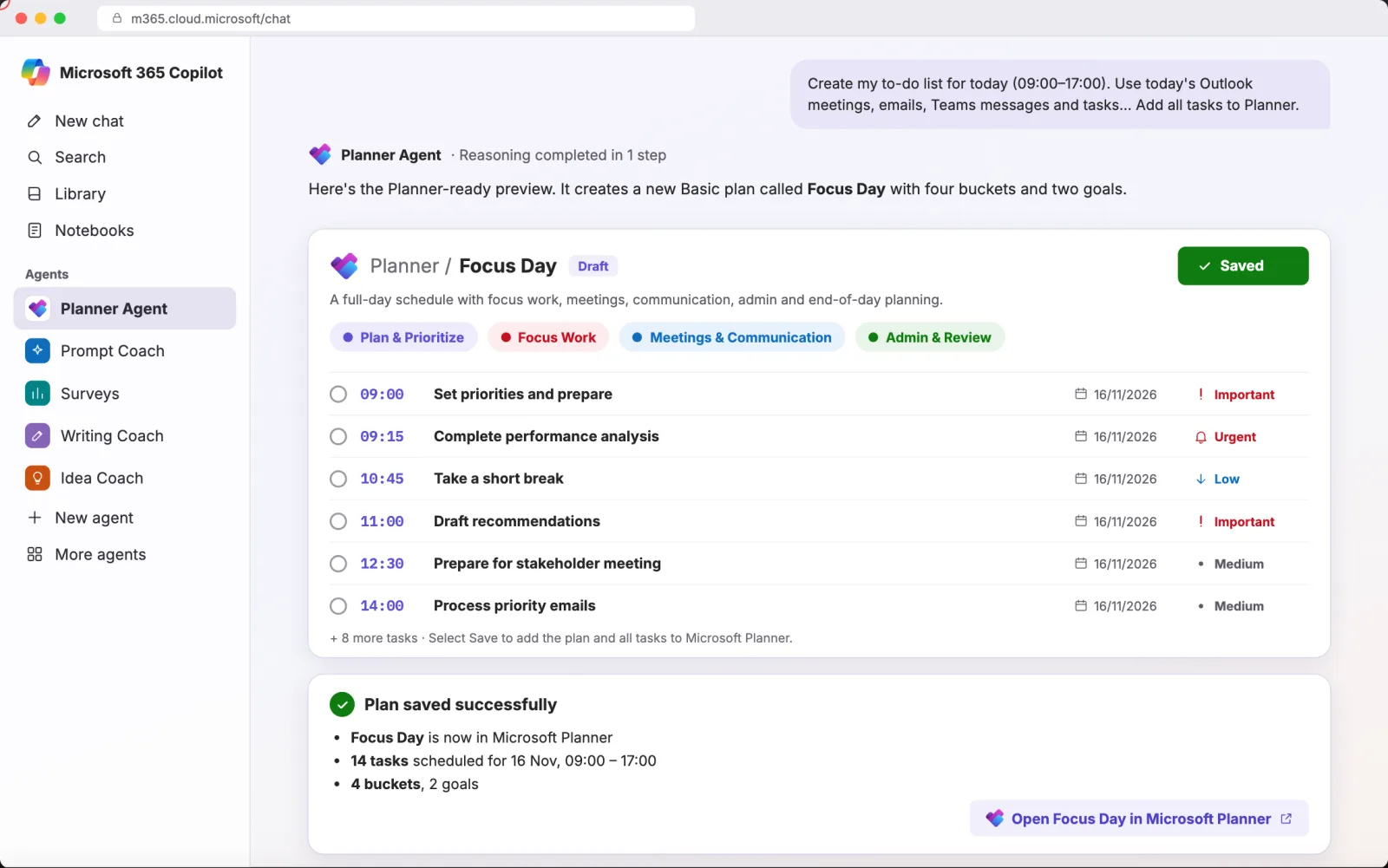
Check the preview and click Save Plan. All your tasks land in Microsoft Planner.
Open The Board In Planner
Open the board in Planner. Your whole day is laid out by bucket.