Start Using the New Copilot
Check your licence
You need a work account with a Microsoft 365 Copilot licence. Personal Microsoft accounts don't get these features.
Ask IT to turn on Frontier
Home and Code arrive first through Microsoft's Frontier early access program. Your Microsoft 365 admin enables it in the admin center under Copilot → Settings → Frontier.
Check usage-based billing is on
Cowork, Code and Autopilot run on usage-based billing, not your standard Copilot licence. Your admin sets the spending policy and credits. You can see your own usage and balance inside Copilot.
Ask about the private previews
Autopilot and @Copilot in Teams start as private previews at the end of September. Today follows in October. Ask your admin or Microsoft account team about joining.
How to use Home
Open Home
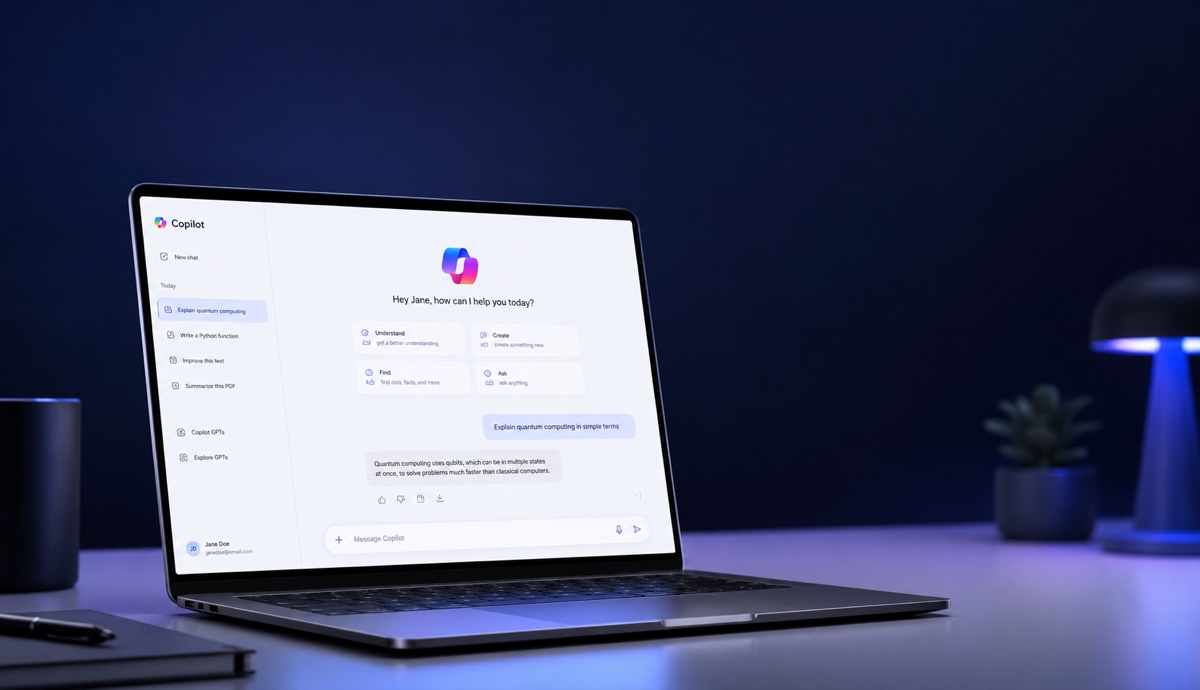
Open the Copilot app. Home is your starting screen, with recent work and suggestions.
Pick Chat or Cowork
Chat for quick questions, lookups and drafts. Cowork when you want a whole task done and a finished result back.
Describe the full task
In Cowork, write the task like a brief to a colleague: the source file, the steps, and the output you want. Number the steps.
Work on the real file
Copilot creates an editable Word, Excel or PowerPoint file. Refine it side by side with the conversation, or open it in the Office app. Changes stay in sync.
Bring your team in
@mention a teammate on the file. Their edits show up live.
Try it: Month-end close pack
Prepare the month-end close pack for [entity name] for [month].
1. Use the trial balance in [file link or uploaded file].
2. Flag every line where actual vs budget moves more than 5%.
3. Draft one line of variance commentary for each flagged line, using only the notes in the file. If there is no explanation, write "No explanation in source" and do not guess.
4. Build a 6-slide PowerPoint summary: overview, top 5 variances, cost trend, revenue trend, open items, next steps.
5. Before finishing, check every number in the deck matches the source file and list any mismatch.
How to use Code
Open Code
Open Code from the Copilot app. No coding knowledge needed.
Describe what you want built
An app, tracker, dashboard, automation or workflow. Say what it tracks, what it shows, and who uses it.
Let Copilot pick the format
It chooses between a desktop widget, an interactive dashboard, or a cloud-hosted app. Tell it if you want a specific one.
Test and refine
Click through what it built. Ask for changes in plain English: add a filter, change a chart, rename a column.
Share it
Share the app with your team. It runs inside your company's Microsoft 365 environment, governed by IT.
Try it: Month-end close tracker
Build a month-end close tracker my team can use.
1. Columns: task, owner team, due day, status.
2. Status options: Done, In progress, Overdue, shown as coloured pills.
3. Three KPI cards at the top: tasks done, overdue, days to close.
4. A donut chart showing status split.
5. Filters for owner team and status.
6. Make it an interactive dashboard I can share with my team.
Start with these tasks: [paste your task list].
How to use Autopilot
Create an Autopilot
Open Autopilot in the Copilot app and start a new one.
Give it a name, role and goal
Set it up like a new hire. A clear role and one specific goal work better than a long list of jobs.
Set the boundaries
Tell it what it must never do and when to check with you first. This is the most important step. Don't skip it.
Let it run
It works in the cloud, follows up on threads, runs recurring work, and picks projects back up days later without a prompt.
@mention it where you work
Ask it for updates in Teams, Outlook, chats or documents, like you would a colleague.
Try it: Supplier review agent
Name: [Vendor Desk]
Role: [Procurement coordinator]
Goal: Run the [Q4] supplier review end to end.
What to do:
1. Build the review schedule and a workback plan.
2. Send prep requests to these suppliers: [list].
3. Book review meetings with [stakeholders].
4. Follow up on missing documents every 2 working days.
5. Post a weekly status update in [Teams channel].
Boundaries:
- Never commit to pricing, contracts or payment terms.
- Ask me before emailing anyone outside [company domain].
- If a supplier escalates, stop and flag it to me.
What's Coming
Home
Chat and Cowork in one place, with real editable Word, Excel and PowerPoint files built in.
Code
Describe an app, tracker or dashboard in plain English. Copilot builds it, sandboxed inside your company's tenant.
Autopilot
A persistent agent with a name, role and goal. Follows up, runs recurring work, and keeps going while you're away.
@Copilot in Teams
Ask Copilot in a channel and it answers with the whole team's context. Can prepare cross-functional reviews.
Today
A daily command center. What you missed, what needs you now, what can wait, with drafts already written.
Dates as announced by Microsoft on 25 September 2026. Most of this is preview, not general availability yet.