Write Better Prompts with Copilot's Prompt Coach
Open Copilot
Go to Microsoft Copilot and start a new chat.
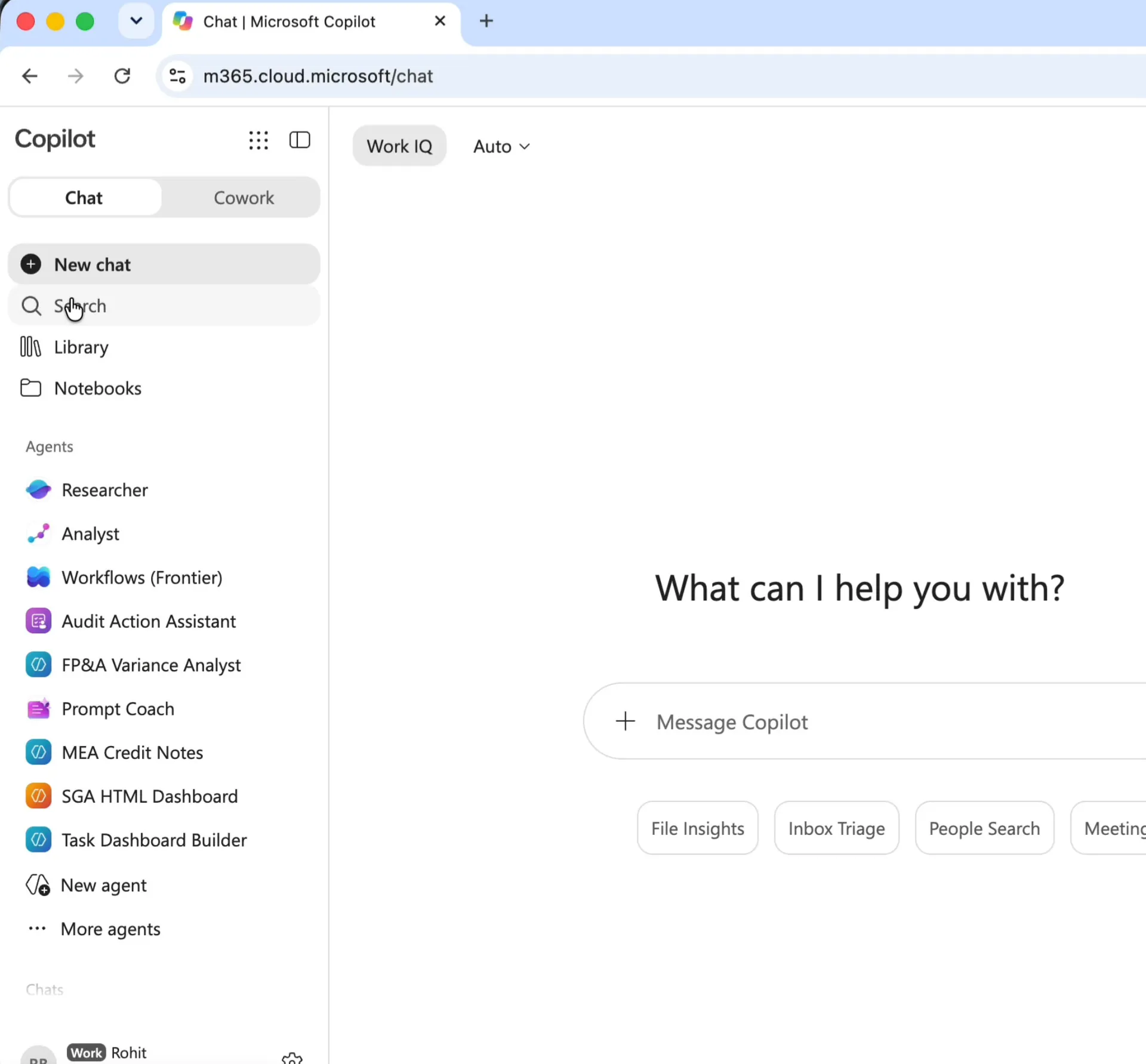
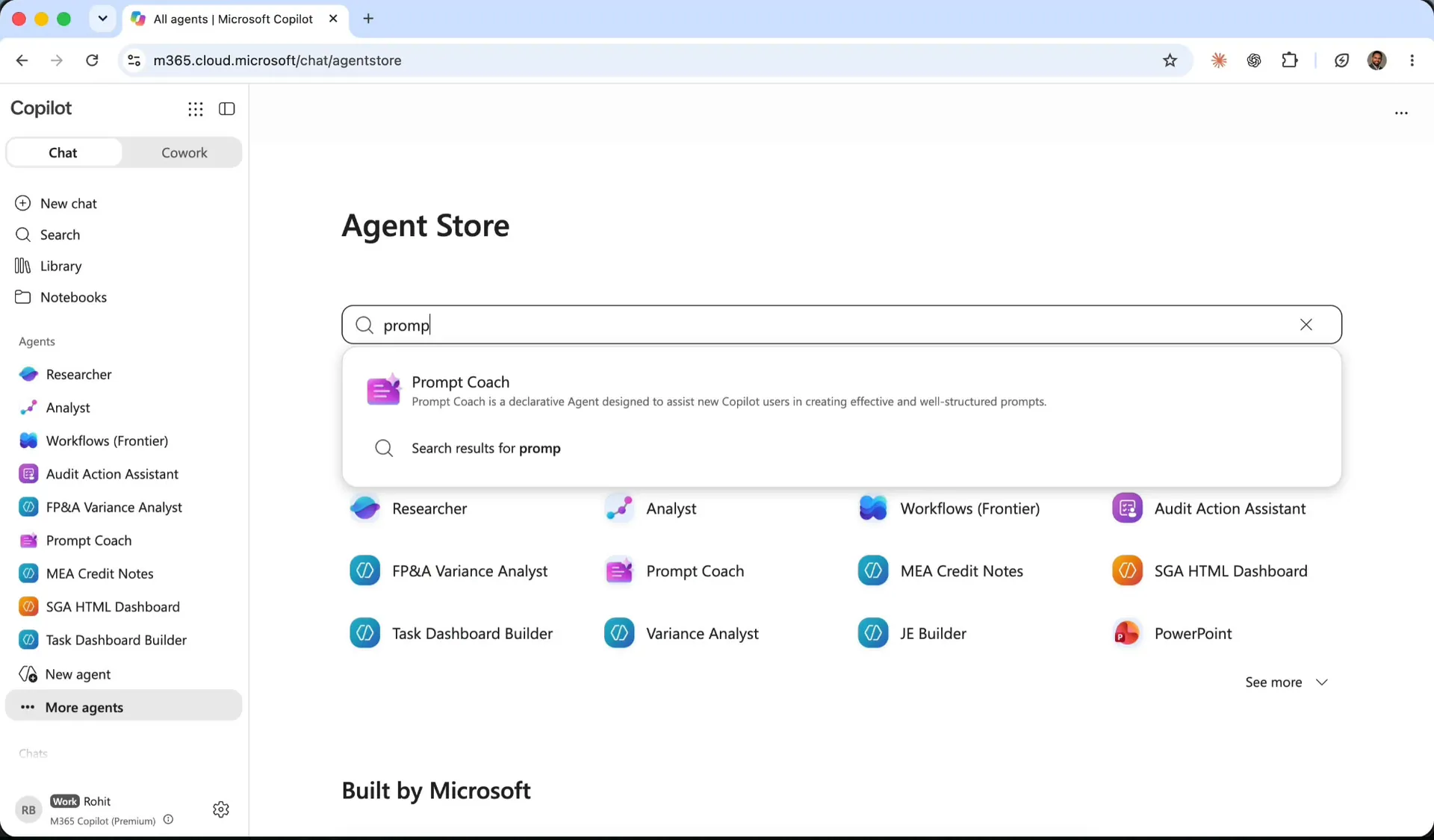
Click Prompt Coach Under More Agents
In the side panel, under More Agents, click Prompt Coach — it's built by Microsoft, already there by default.
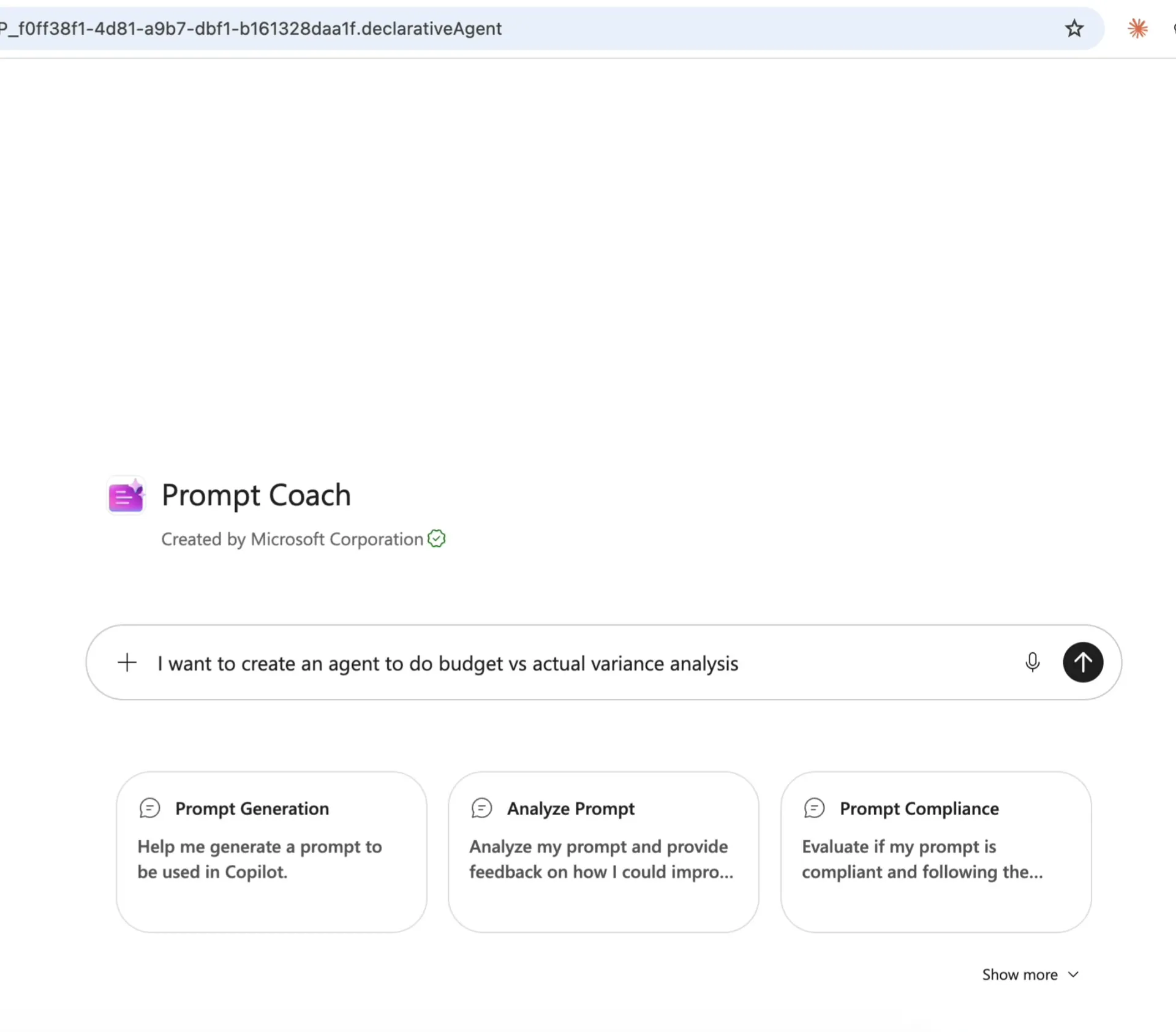
Tell It What You Want To Do
Even vaguely — no need to have a polished ask ready.
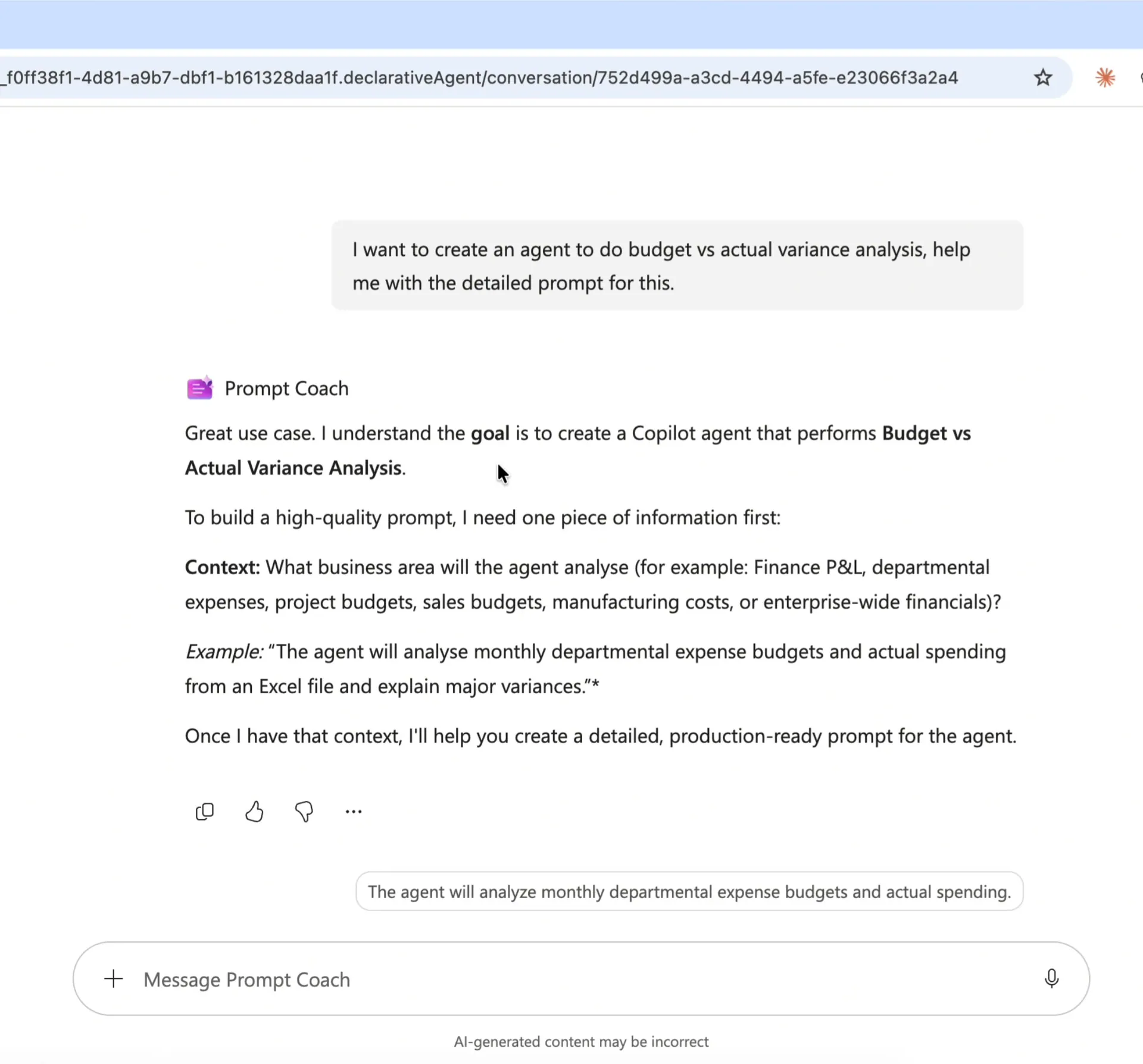
I want to create an agent to do budget vs actual variance analysis
Answer Its Follow-Up Questions
It asks about the goal, the context, where the data lives, and what should happen with it — one at a time.
Take The Finished Prompt Anywhere
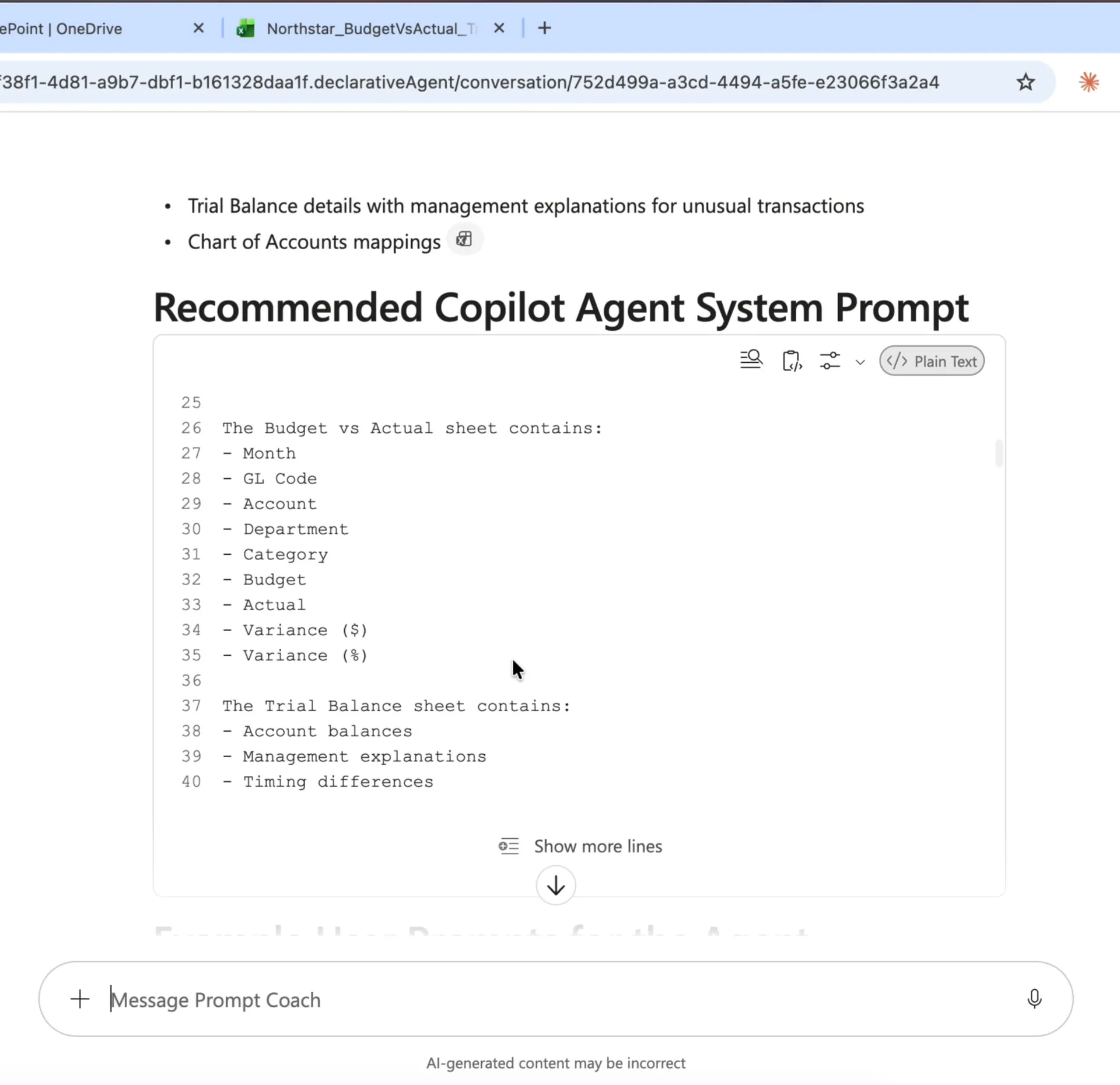
Use it anywhere in Copilot, including to build a new agent.
What You Get
Asks Before It Writes
Walks through your goal, context, source, and expected outcome before producing anything.
Works for Any Task
Not just agent building — use it to sharpen any prompt in Copilot.
Built by Microsoft
Already sitting in every Copilot account under More Agents, no install needed.
Structured Output
Hands back a complete, well organized prompt, not just a rewritten sentence.
Every agent, every task in Copilot, runs on the prompt you give it. A vague prompt gets a vague result. Prompt Coach exists so you don't have to get the prompt right on your own.