ByteMint Guide

Claude Code Themes.
Pick a ready-made look, or ask Claude to build your own.
What you need: the Claude Code desktop app.
1
Step
Get the example themes
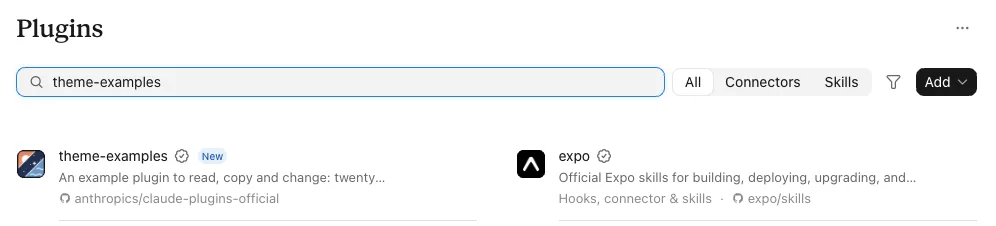
In the desktop app, go to Settings → Customize → Plugins, search theme-examples and add it.
2
Step
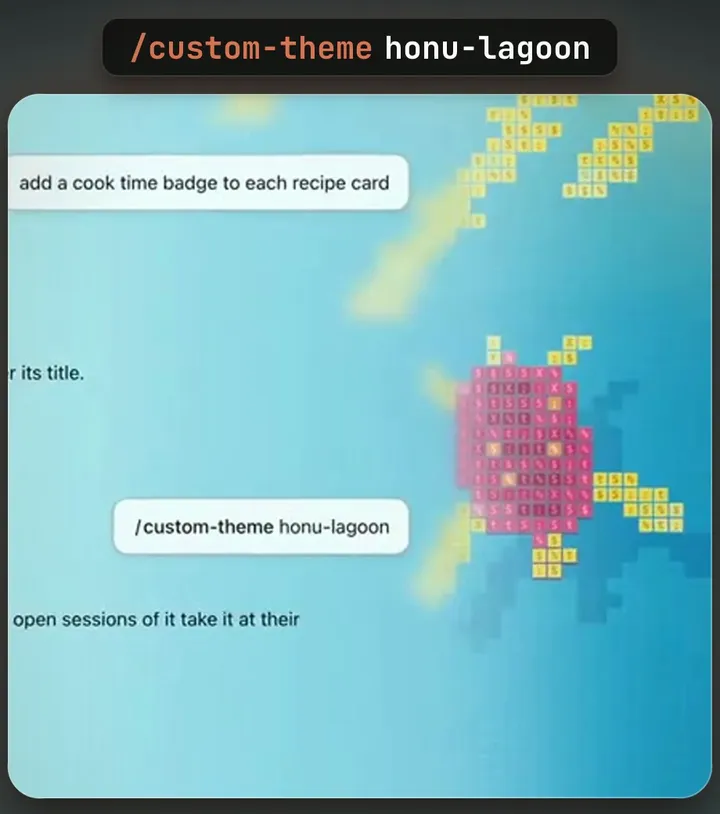
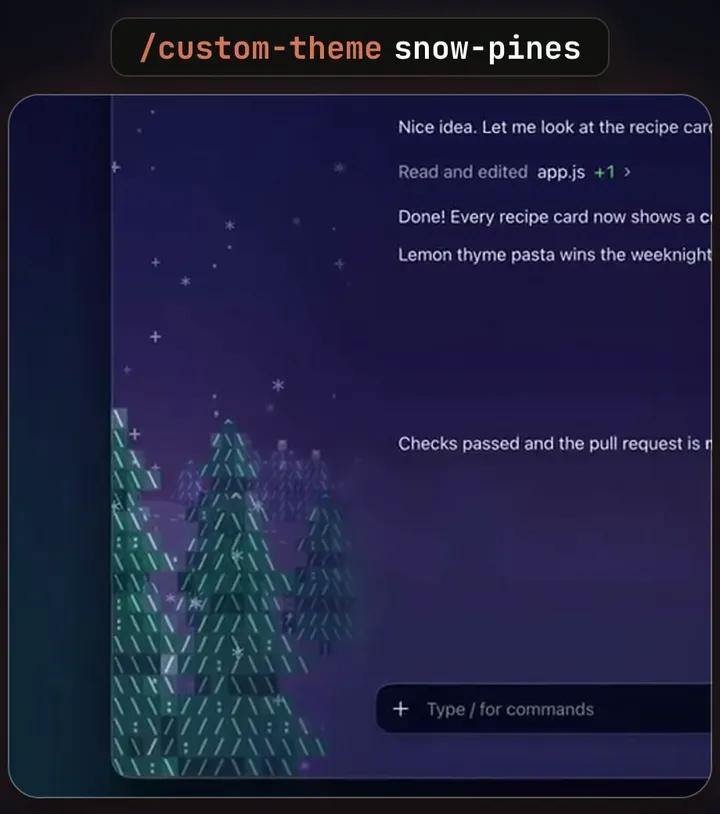
Pick a look
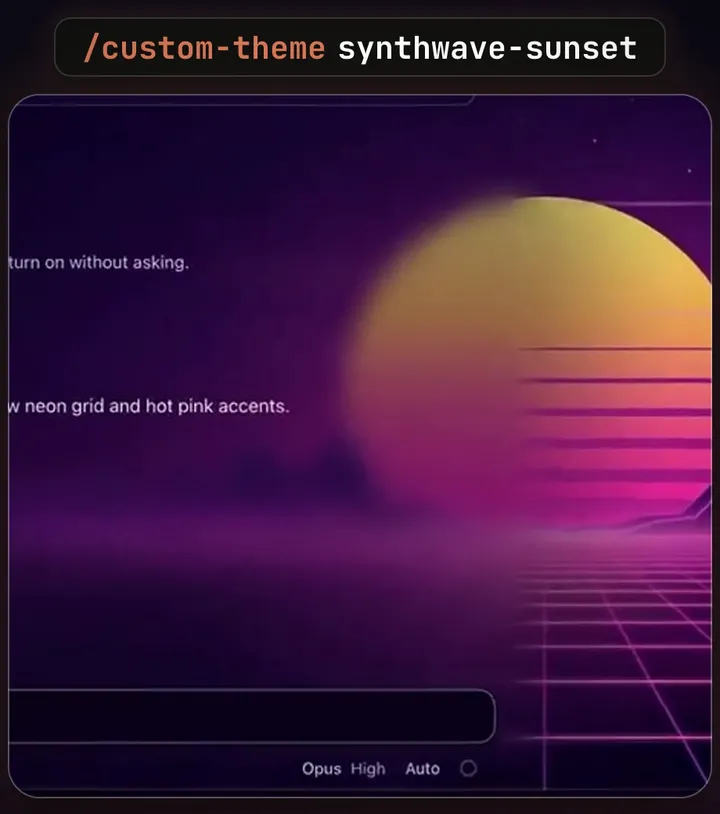
Type /custom-theme and a name, like snow-pines.
3
Step
Or ask Claude for your own
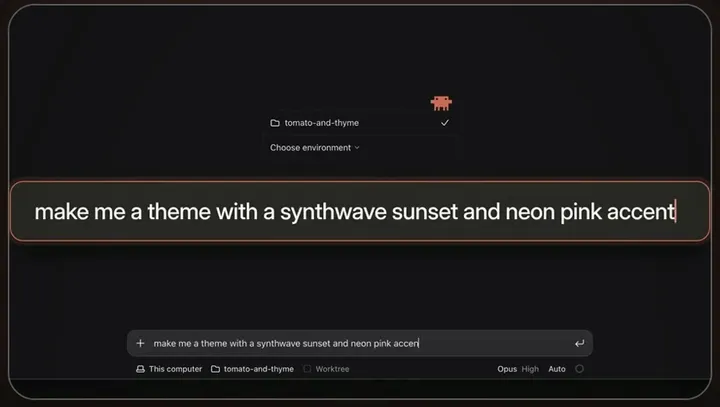
Describe the scene. Claude builds it and turns it on.
Prompt · Build your theme
Make me a Claude Code theme.

Scene: [what you want behind your code, e.g. a synthwave sunset over a neon grid]
Mode: [dark, light, or both]
Accent colour: [e.g. neon pink]
Mood: [e.g. retro, calm, cosy, focused]
Motion: slow and gentle, nothing that flashes or distracts

Keep every bit of text easy to read on top of the scene.
Add a small celebration when a pull request gets merged.
Turn the theme on when it's ready, and tell me how to switch back.
4
Step
Ship something
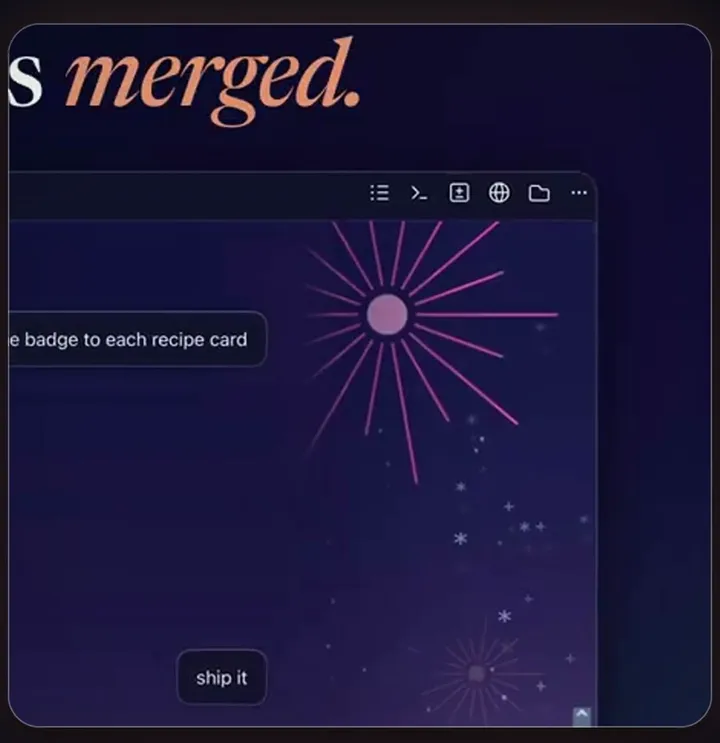
Merge a pull request and fireworks go off.
It's just a mod
- No CSS, no settings menu. Claude writes the theme for you.
- Works in the desktop app today. Cloud sessions are coming soon.
- Docs: code.claude.com/docs/en/plugins/mods/overview
Claude Master Guide
The complete ByteMint Claude collection
Buy →

Join ByteMint's Inner Circle
WhatsApp Community
Join →
For teams
AI automation and hands-on workshops for your team.