Edit Reels with Claude Code.
Paste a reel you love and drop in your A-roll. Claude cuts the pauses, adds B-roll and graphics, and renders the final reel.
What you need: the Claude desktop app on a paid plan, and your raw talking-head video.
Make a Reels Folder
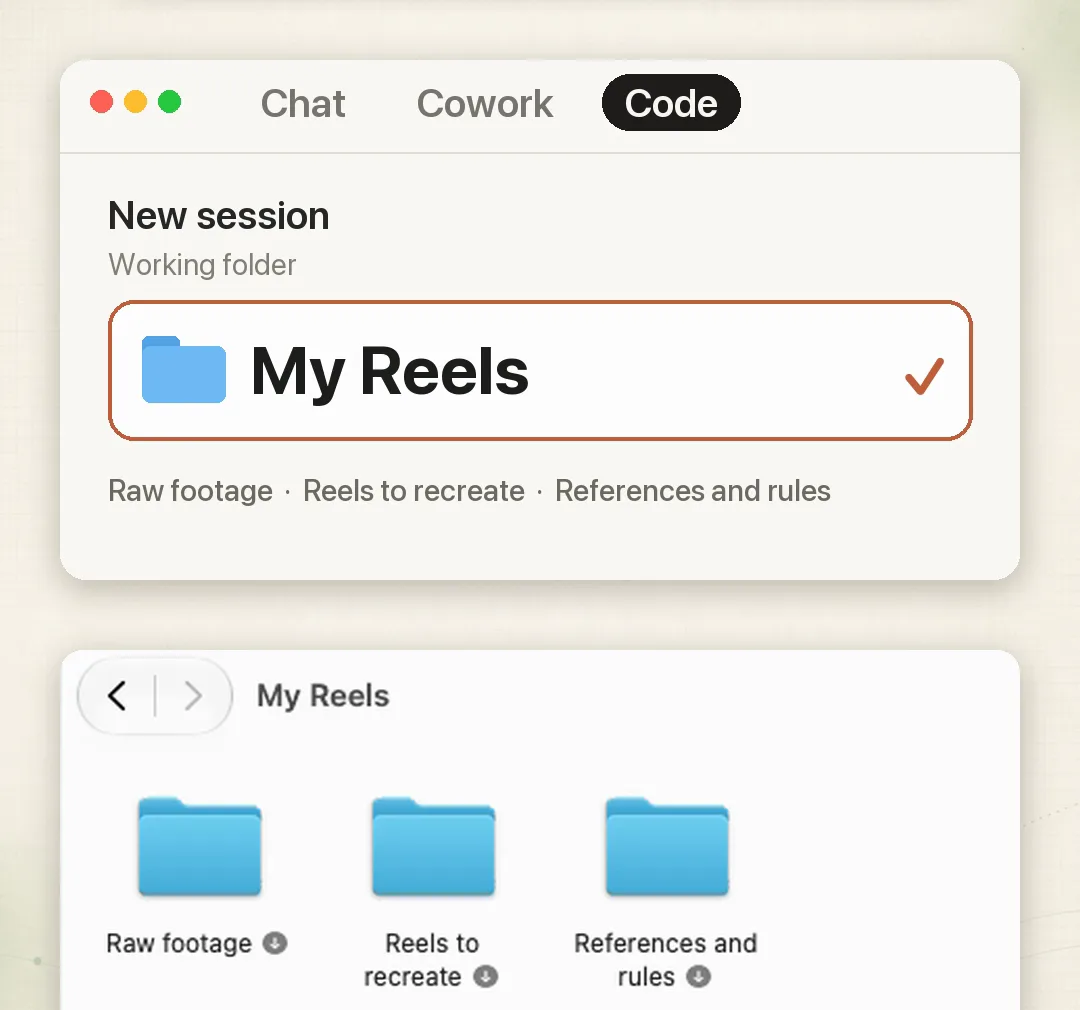
Make one folder for your reels, for example My Reels. Inside it, add three folders: Raw footage, Reels to recreate and References and rules.
Open the Code Tab
Open the Claude desktop app, go to the Code tab and pick your My Reels folder.
Install the Tools
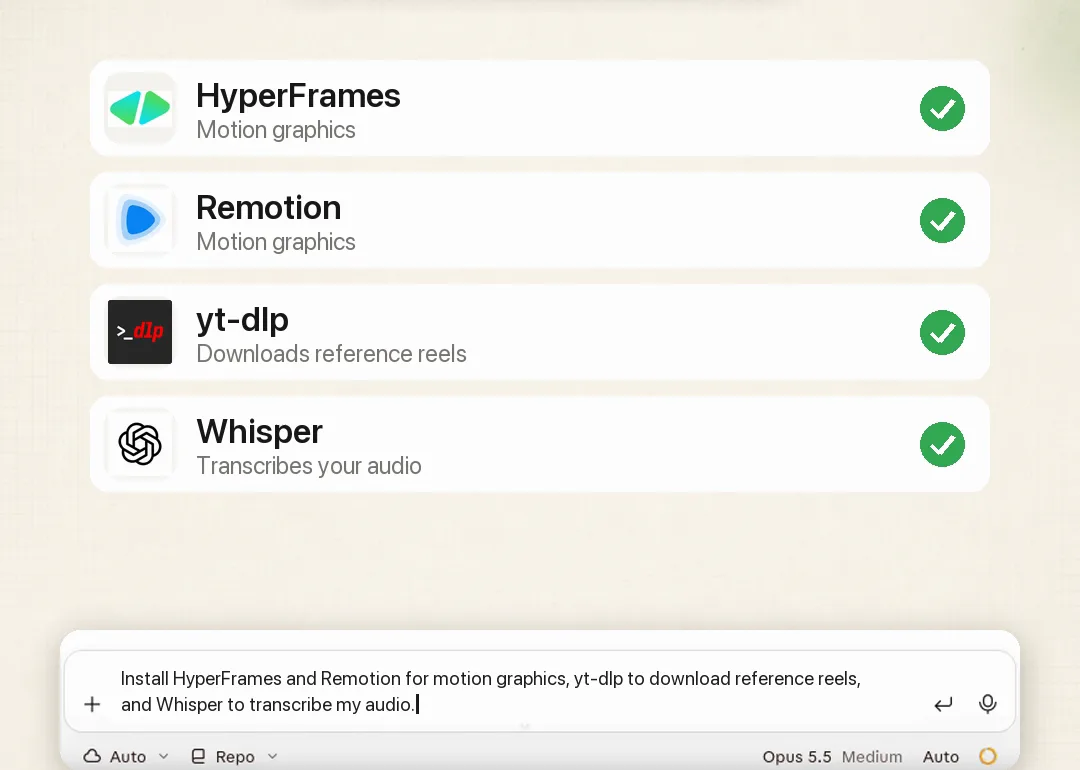
Run Prompt 1 once. Claude installs everything it needs to edit.
Install ffmpeg to edit video, HyperFrames and Remotion for motion graphics, yt-dlp to download reference reels, Whisper to transcribe my audio, and rembg to cut me out of the background.
Paste a Reel You Love
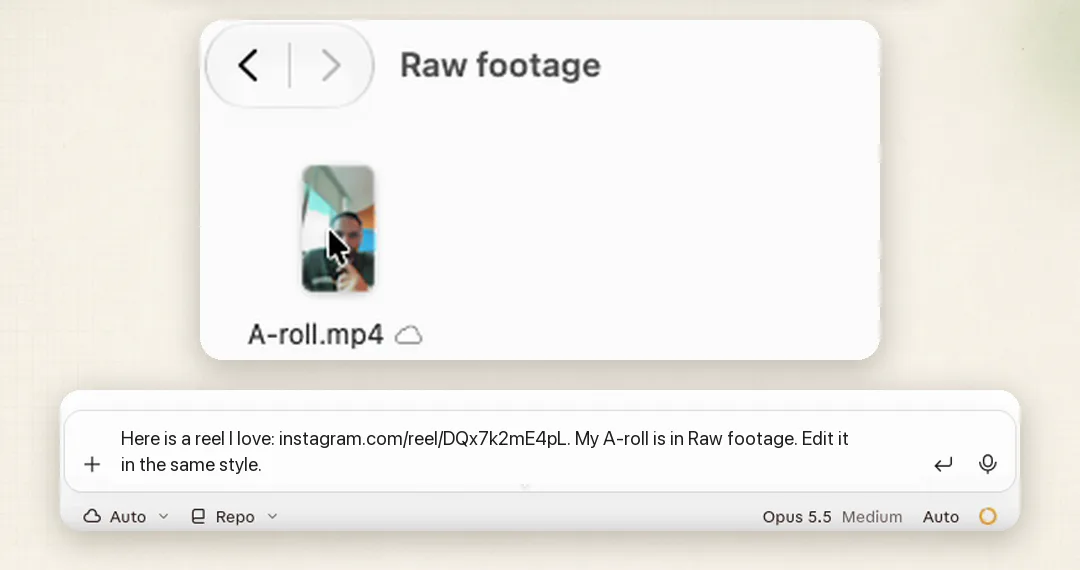
Drop your A-roll into Raw footage. Then run Prompt 2 with the link to a reel whose style you want. If the link won't download, save that reel into Reels to recreate and point Claude there instead.
Here is a reel I love: [paste reel link]. My A-roll is in Raw footage. Edit it in the same style: cut the pauses, add B-roll and graphics, and save the final reel to my Downloads folder.

Then turn this edit into a reel editing skill, and keep its rules in References and rules.
Claude Does the Edit
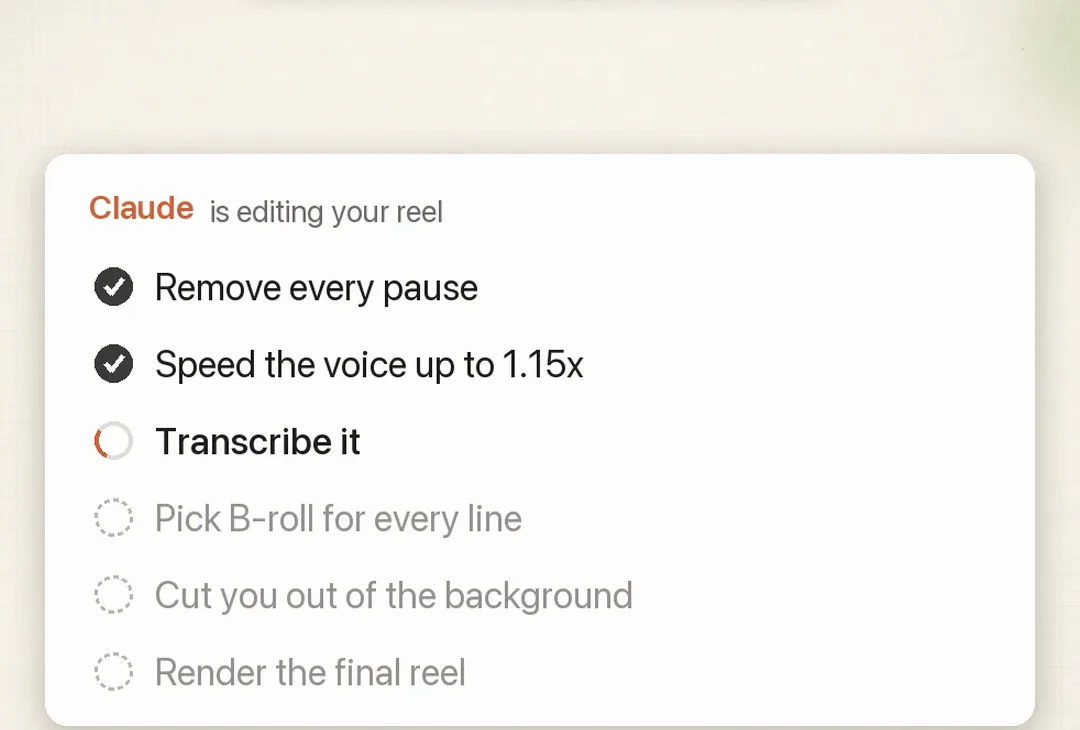
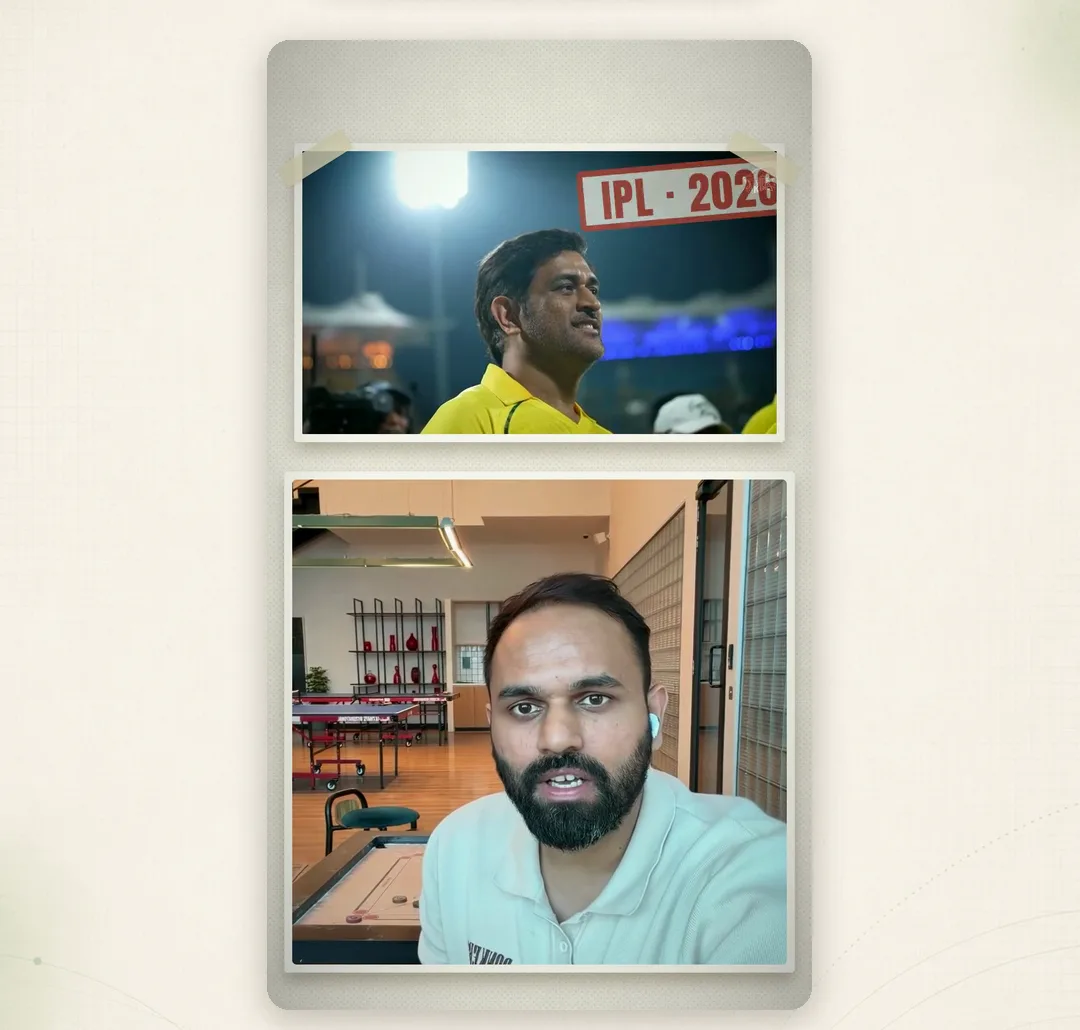
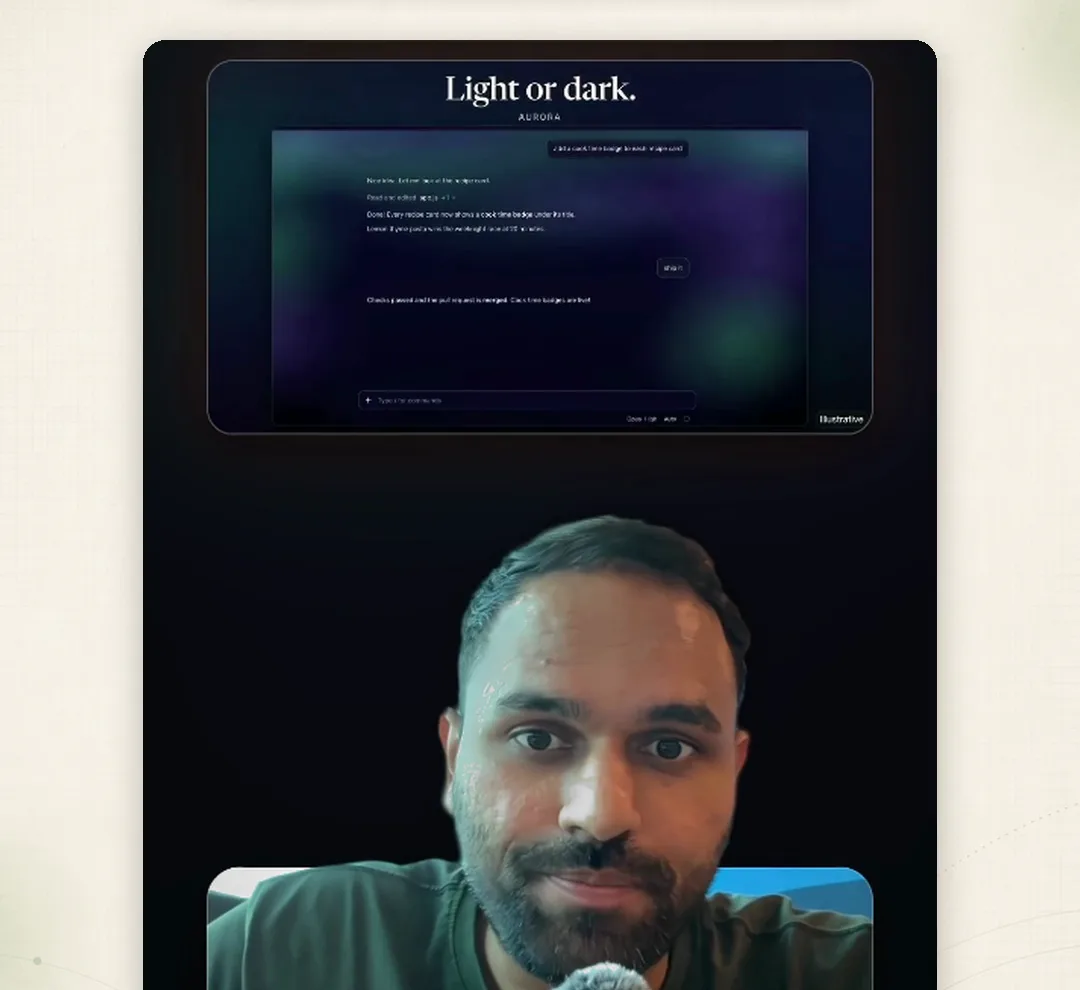
Claude copies the style of your reel. In this one it removes every pause, speeds the voice up to 1.15x, transcribes it, picks B-roll for every line, cuts you out of the background and renders the reel. The final reel lands in your Downloads.
Turn Feedback into Rules
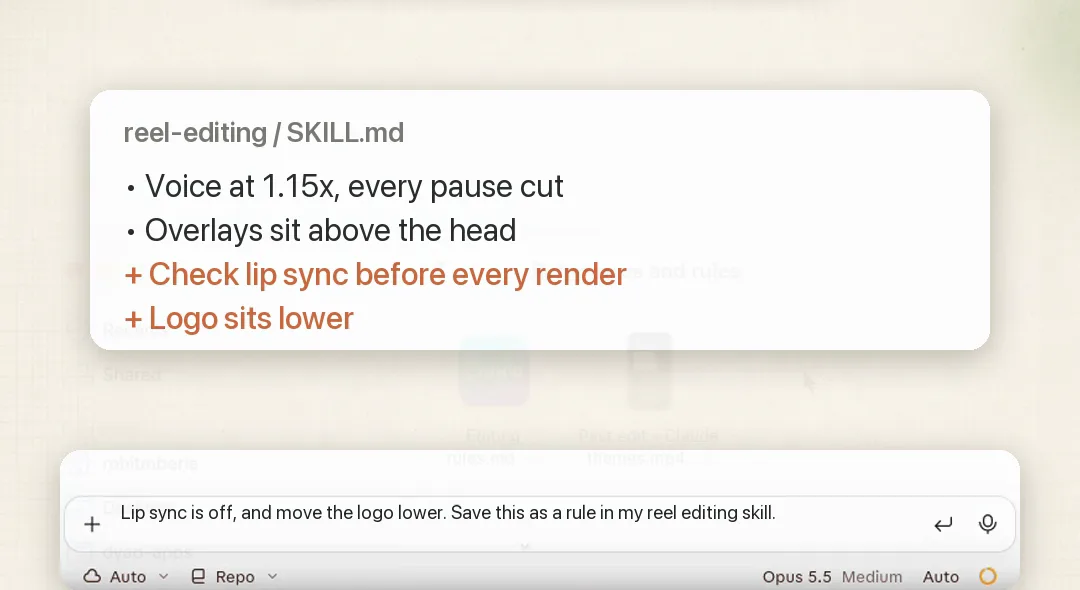
Watch the reel and tell Claude what to fix. Run Prompt 3 so the fix becomes a rule in your reel editing skill. Your next reel already knows it.
Lip sync is off, and move the logo lower. Save this as a rule in my reel editing skill.
Worth knowing
- Keep adding reels you like to Reels to recreate. Each one gives Claude a new style to copy.
- Every fix you save becomes a rule, so each reel needs less feedback than the last.
- Remotion is free for individuals and small teams. Companies with 4 or more people need a Remotion licence.