ByteMint Guide
LinkedIn Intelligence System Guide
Note: This guide was written when Claude chat and Cowork were separate. They have since been merged into one Claude experience, so references to Cowork (and the screenshots) now just mean working in Claude. The steps are the same.
Before you start
- Claude in Chrome must be connected as a browser extension via Settings — this is what lets Claude open LinkedIn and read your analytics page.
- Claude Desktop with Cowork is required — the dashboard is built as a Cowork artifact.
1
Step
Connect Claude In Chrome
Open Claude, go to Settings, and connect Claude in Chrome as a browser extension.
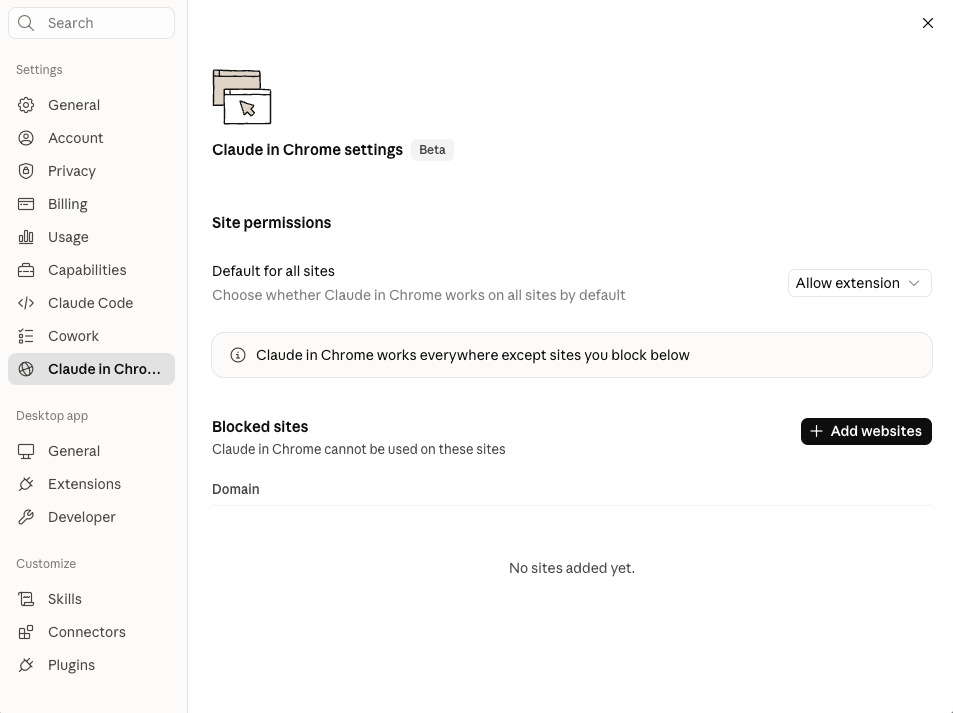
The Claude in Chrome settings panel
2
Step
Open Claude Desktop, Go To Cowork
Open the Claude desktop app and click Cowork in the left sidebar.
3
Step
Paste The Prompt
Copy the full prompt below, swap in your LinkedIn handle and name, and paste it into the Cowork chat.
Prompt
I want to build a LinkedIn content intelligence system end to end. Here is everything I need you to do:

Step 1 — Scrape my profile
Use Claude in Chrome. Go to linkedin.com/in/[YOUR HANDLE]/recent-activity/posts/ and extract every visible post. Capture: hook (first line), format (image/doc/video/text/repost), approximate age, reactions, comments, impressions. Scroll to load at least 20 posts. Then go to linkedin.com/analytics/creator/content/ for additional impression data.

Step 2 — Deep analysis before building anything
Identify: peak post and why it worked, average impressions excluding outliers, worst performing formats and topics, hook styles that land vs fall flat, content I keep repeating, and 7 content gaps — topics I have not covered but my audience needs. Be specific and critical. Do not be generic.

Step 3 — Build the live artifact dashboard
Create a Cowork artifact called [YOUR NAME] LinkedIn Intelligence. Design system: white background, #000000 ink, #0077B5 LinkedIn blue accent, 3px solid black borders on all cards, 6px 6px 0 #000000 hard drop shadow, no border radius, no gradients, system-ui font throughout. Build in this order:
Header — name, tagline, follower count, connection count, last scan date, two blue badges
4 metric cards — Peak impressions, Average ex-outlier, Total posts analysed, Floor (lowest)
Charts row — bar chart of impressions per post via Chart.js (cap outliers at 10k, note actual), plus format breakdown showing average impressions by type
Full posts table — sortable by reactions/comments/impressions on click, filterable by format dropdown and keyword search, top rows highlighted in light blue, columns: number, age, format, hook, topic, reactions, comments, impressions
8 insight cards in 4-column grid — what drives reach on my profile, failure patterns to stop, hook quality analysis, format performance, audience signals, posting velocity, what to double down on, what to cut
7 content gap cards — specific topics I have not written about, the angle to take, audience badge per gap
90-day plan — 3 columns for Month 1, 2, 3 with specific post types and actions

Step 4 — Topic and post planning session
After the artifact is built, run a topic planning session. Based on the gaps and patterns, suggest 5 post ideas ranked by likely reach. For each idea give: the hook line, why this will work for my audience, and what format to use. Let me pick one and then write the full post.

Step 5 — Full post writing
Write the post in my exact voice. Keep my words where I give them. Do not over-edit. No em dashes. No AI vocabulary. Short paragraphs. Hook first. 3-5 relevant hashtags only. After the post is finalised, generate a detailed ChatGPT image generation prompt for a visual to accompany it — photorealistic, editorial style, specific to the post theme.

Step 6 — Schedule weekly refresh
Create a scheduled task every Monday at 9am. It should: open LinkedIn analytics via Chrome, pull fresh post data, update the artifact POSTS array only (keep all design and logic intact), compare this week vs last week on impressions and engagement rate, identify the best performing post of the week and why, and give 3 specific content recommendations for the coming week with suggested hooks. Use #0077B5 as the accent throughout. Every recommendation must be tied to my actual data, not generic advice.
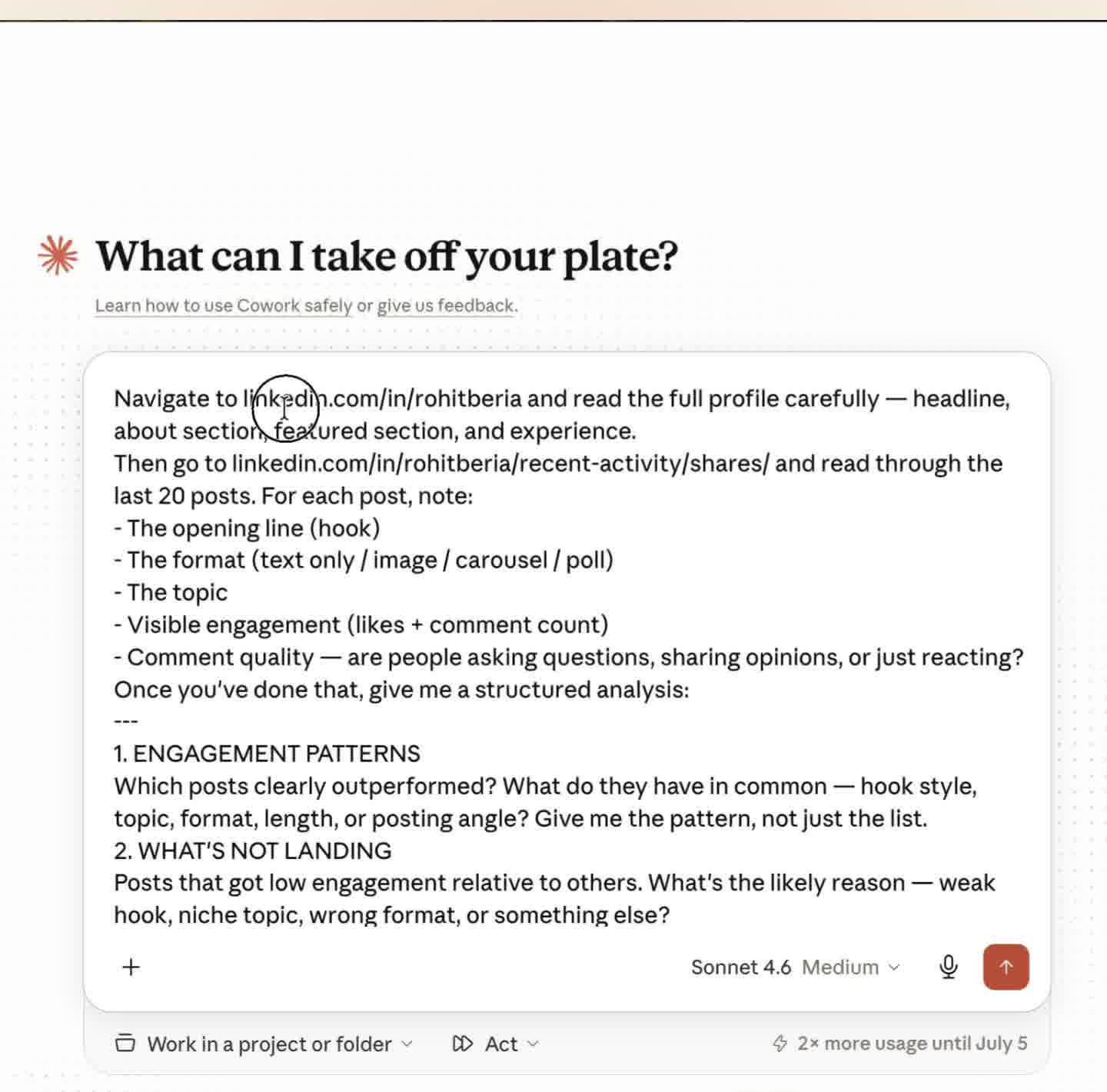
The prompt, pasted and ready to run
4
Step
Let Claude Run
Claude scrapes your profile, analyses your posts, builds the dashboard, plans your next topic, and writes the post with you.
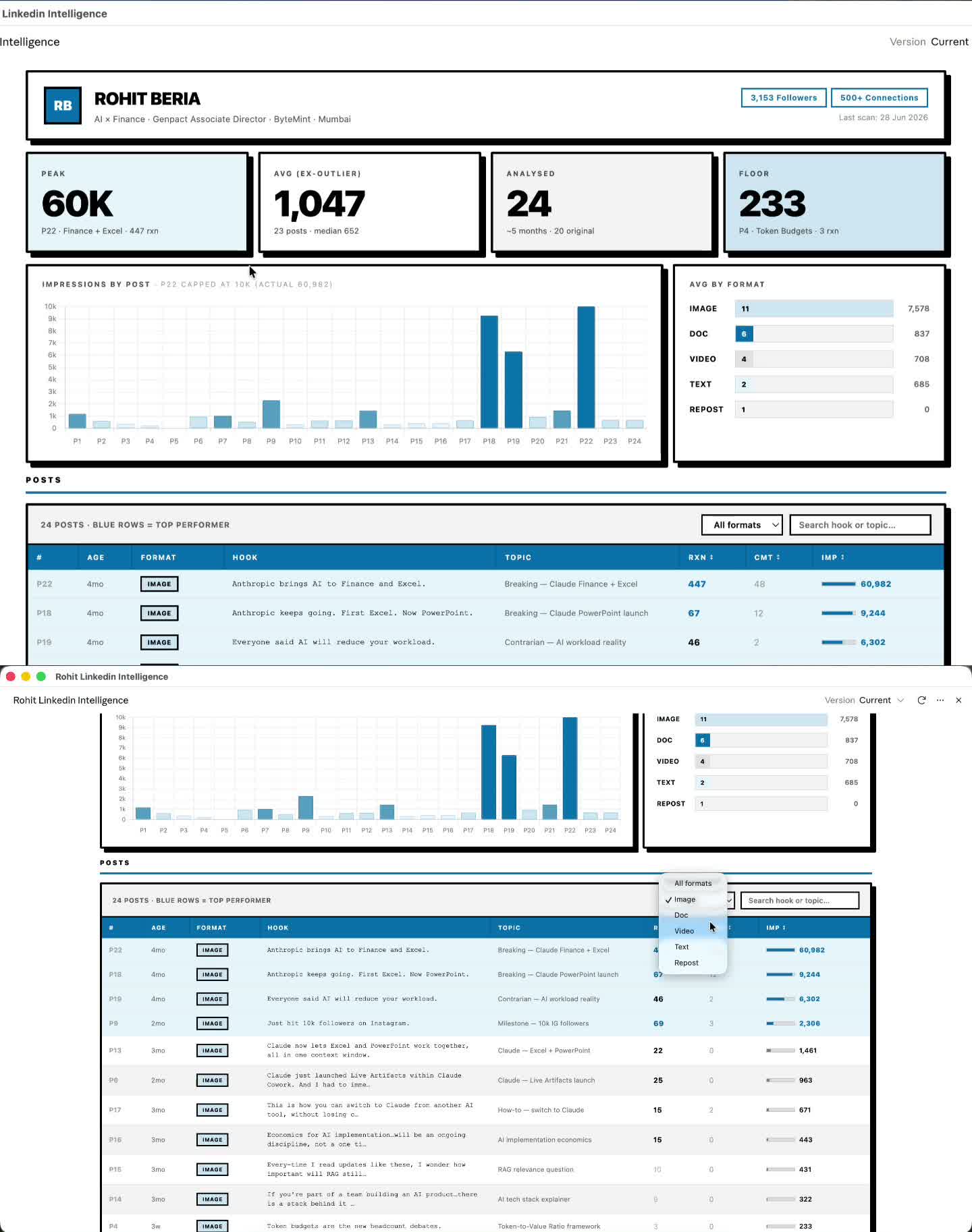
The live dashboard Claude builds
Claude Master Guide
The complete ByteMint Claude collection
Buy →

Join ByteMint's Inner Circle
WhatsApp Community
Join →
For teams
AI automation and hands-on workshops for your team.