Build Real Desktop Apps With Claude.
Claude can now turn what it builds into a real desktop app, with its own icon and its own window, on Mac or Windows. No code, no packaging, no signing. It runs on your Claude account, so there's no API key or login, it can use your connectors, and it updates every time you edit it.
What you need: The latest Claude desktop app on Mac or Windows. Install as app is in Beta.
Update The Claude Desktop App
Make sure you're on the latest version of the Claude desktop app.
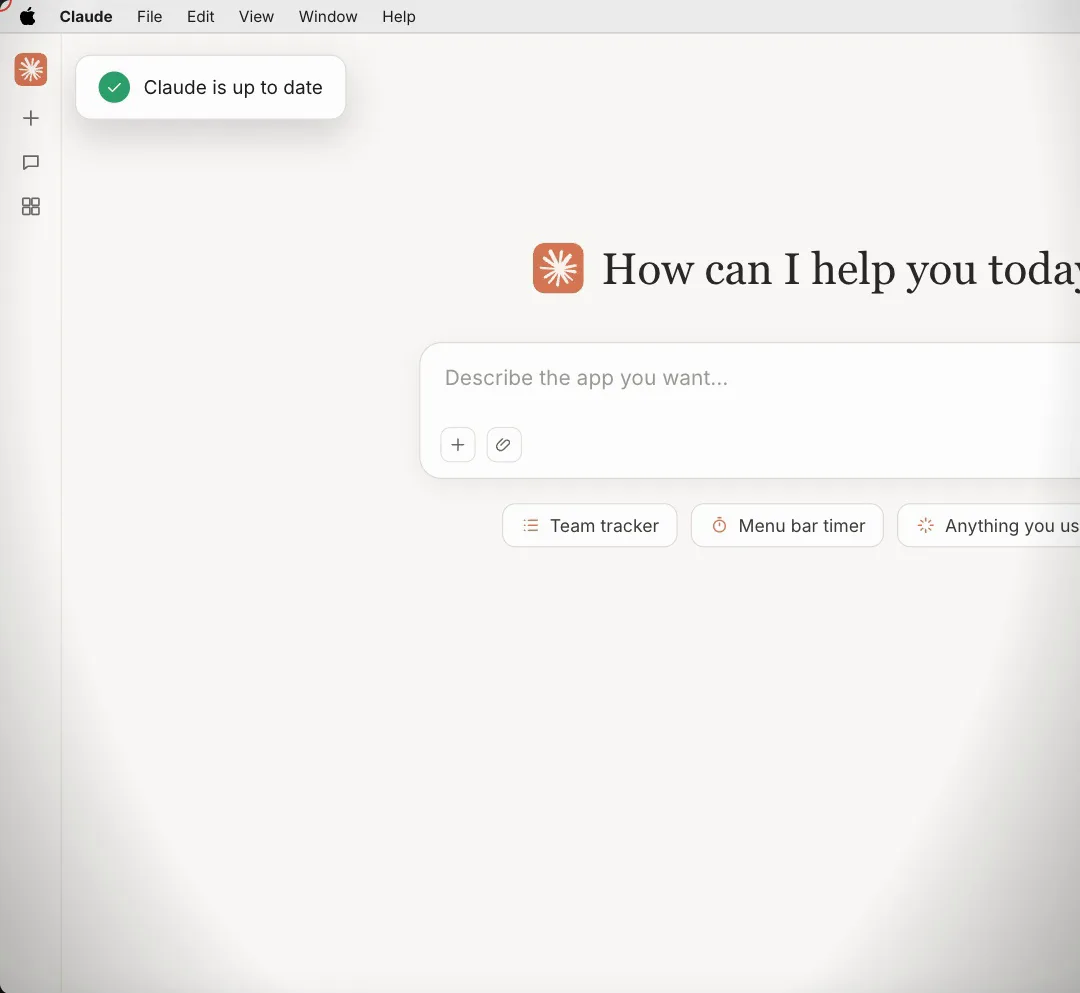
Describe The App You Want
Tell Claude what to build. A team tracker, a menu bar timer, anything you use every day.
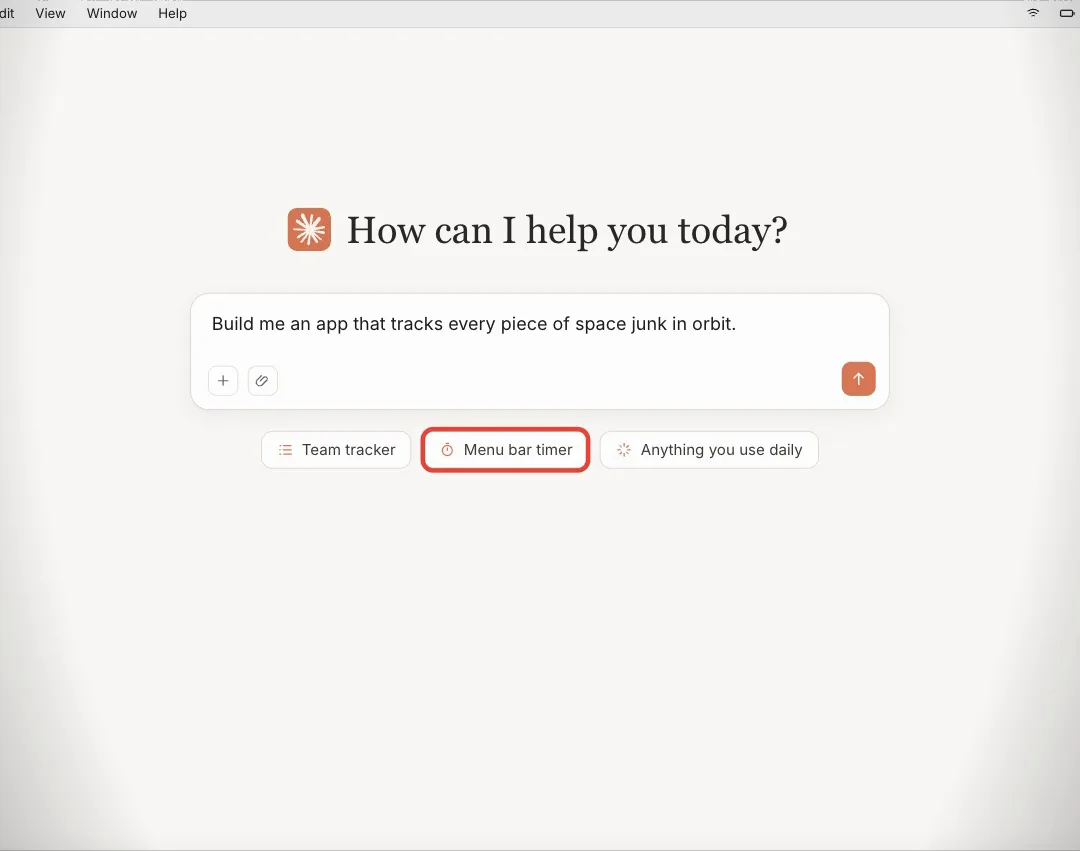
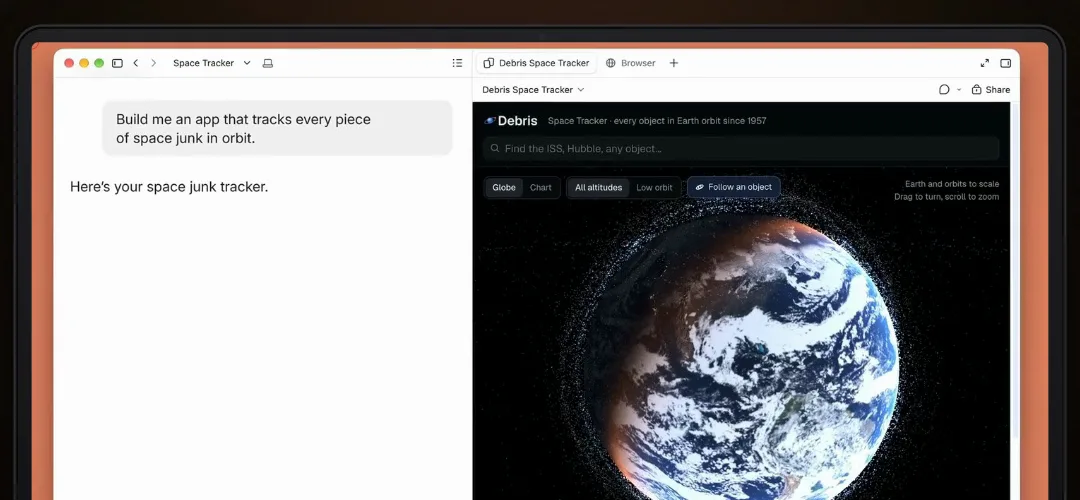
Claude Builds It As An Artifact
Claude builds the app as an artifact right in the chat. Ask for changes until it works the way you want.
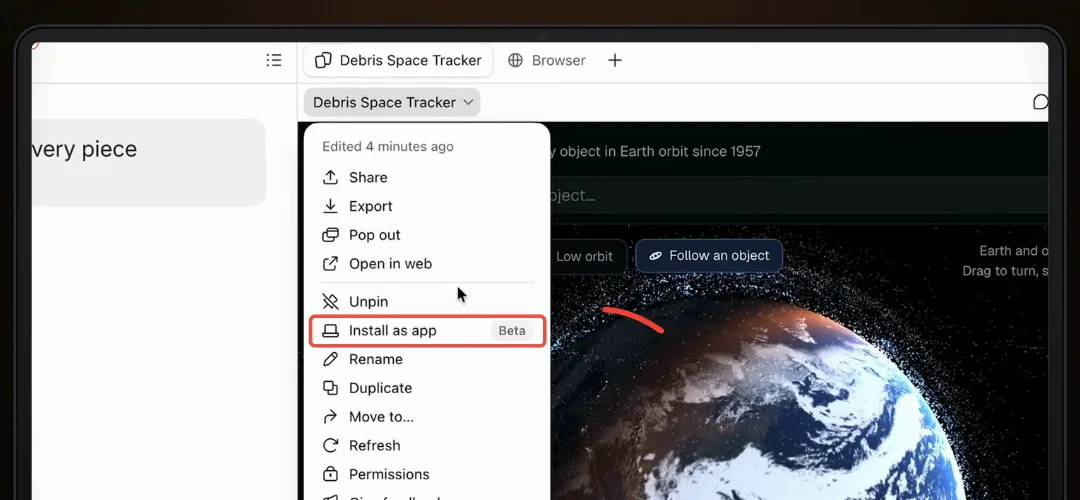
Open The Menu And Click Install As App
Click the artifact's name to open its menu, then click Install as app.
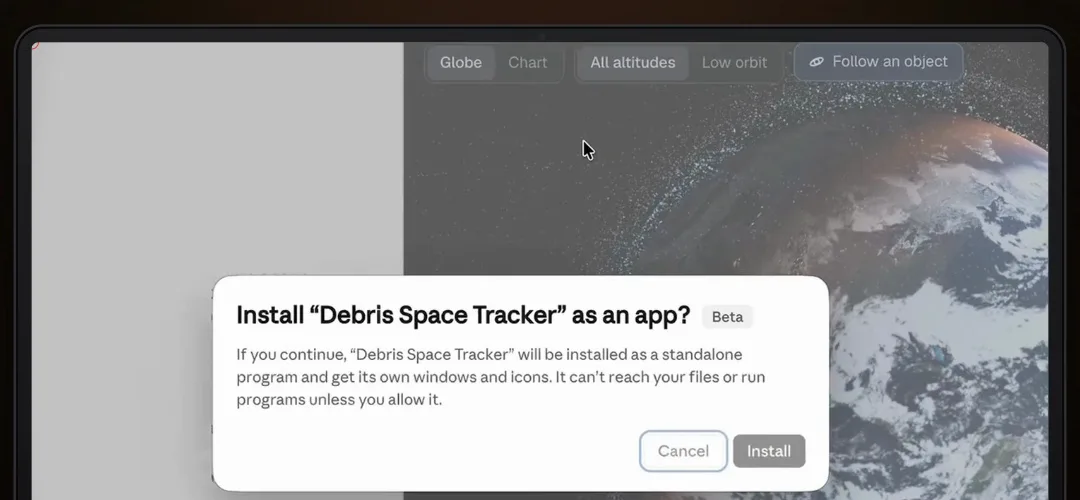
Confirm The Install
Claude asks if you want to install it as a standalone program with its own windows and icon. Click Install.
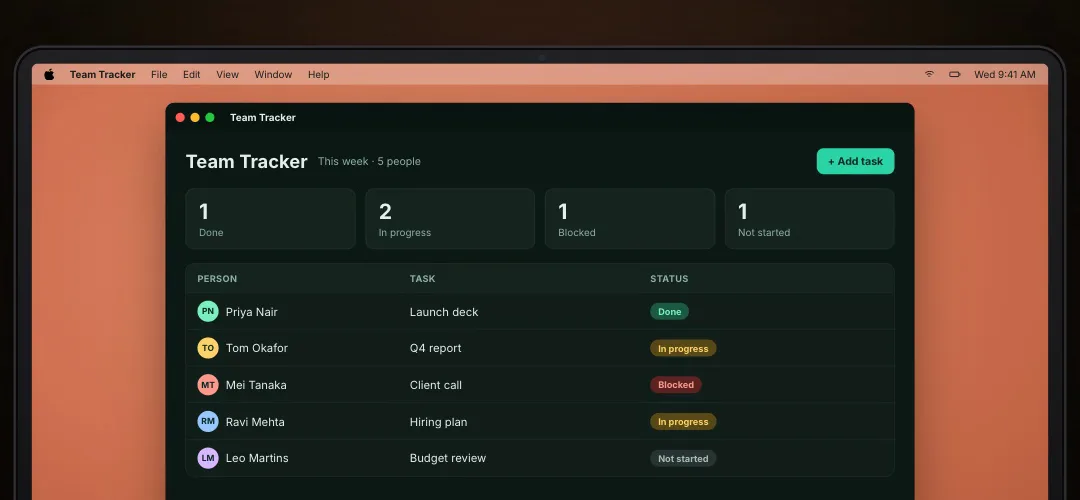
It Sits On Your Desktop Like Any App
The app gets its own icon and opens in its own window, like any app you downloaded.
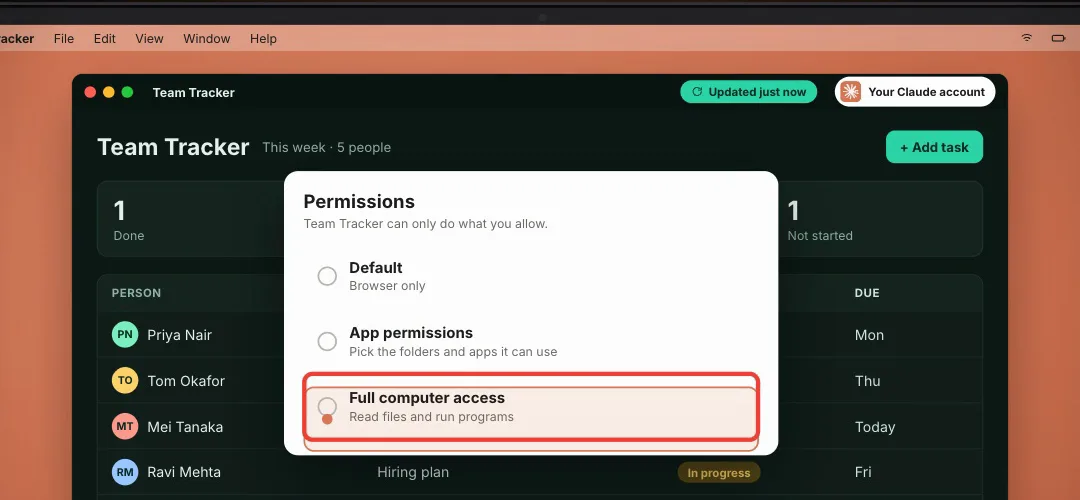
Decide How Much Access It Gets
Choose what the app can reach: Default (browser only), App permissions (the folders and apps you pick) or Full computer access (read files and run programs).
Worth knowing
- It runs on your Claude account: no API key, no separate login.
- It can use your connectors and send notifications.
- Edit the artifact in Claude and the installed app updates itself.
- By default it can't reach your files or run programs. Only give more access to apps you trust.
FAQ
Do I need to know how to code?
No. You describe the app in plain words and Claude builds it.
Does it work on Windows?
Yes. Install as app works in the Claude desktop app on Mac and Windows.
Do I need an API key?
No. The app runs on your Claude account.
How do I update the app?
Edit the artifact in Claude. The installed app picks up the change.